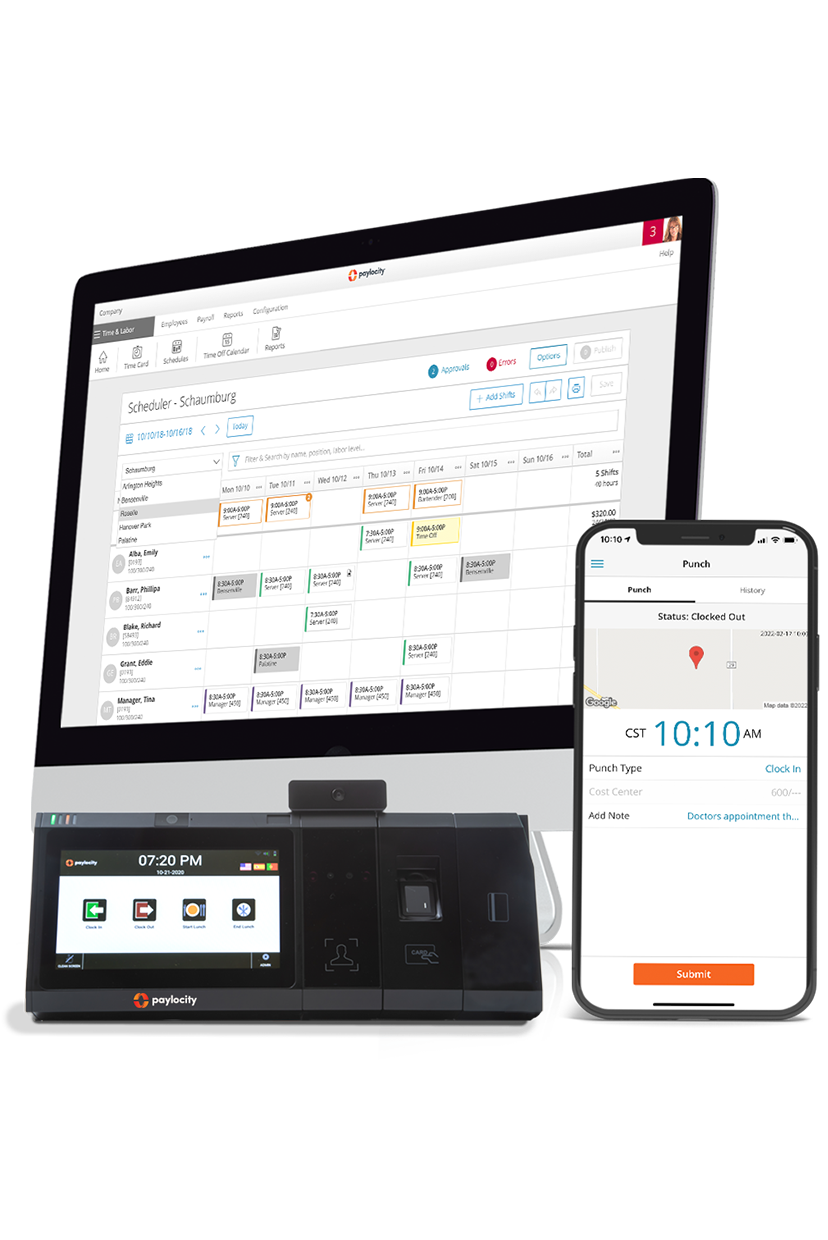
Managing schedules, tracking hours, and planning labor across multiple teams is harder than it looks. Even small mistakes can lead to overtime costs or understaffed shifts. Workforce management (WFM) software centralizes these tasks, giving managers clear visibility into schedules, real-time hours, and labor allocation, so teams run efficiently and predictably.
In this article, we break down 10 top workforce management tools, highlighting what each does best so you can pick the solution that fits your team.
What is workforce management?
Workforce management is the set of tools, processes, and practices that companies use to ensure the right employees are in the right place, at the right time, with the right skills. It covers everything from scheduling and time tracking to labor forecasting, compliance, and performance management — all aimed at keeping operations efficient and employees supported.
Workforce management includes several key areas, such as:
- Labor management: Covers planning and reporting on workforce productivity.
- Time and attendance tracking: Capture hours worked, track overtime, and ensure accurate labor data.
- Leave management: Handles vacation, sick leave, parental leave, and other time-off requests.
- Shift and coverage planning: Adjust staffing in real time to fill gaps, manage absences, and balance workload.
- Workforce analytics: Use dashboards and reports to track labor trends, costs, and staffing efficiency.

?ts=1769454356807&$ProductTIleImage$&dpr=off)
?ts=1767882597017&$ProductTIleImage$&dpr=off)
?ts=1769454635732&$ProductTIleImage$&dpr=off)


?ts=1769456018302&$ProductTIleImage$&dpr=off)
?ts=1769456194323&$ProductTIleImage$&dpr=off)