Mobile device management (MDM)
Summary definition: A software system that IT teams use to remotely monitor, configure, and secure the mobile devices employees use for work.
What is MDM?
Mobile device management (MDM) is an IT solution that enables organizations to oversee and manage mobile devices (e.g., smartphones, tablets, and laptops) connected to their corporate environment.
Secure mobile device management typically applies to both company-issued and personal devices used for work under a bring-your-own-device (BYOD) policy.
Through a centralized MDM platform, mobile device managers can enforce security policies, push software updates, manage applications, and remotely lock or wipe an MDM device if it’s lost, stolen, or compromised.
Key takeaways
- Mobile device management (MDM) is a centralized system that gives IT teams visibility and control over the configuration, security, and compliance of work-connected mobile devices.
- As employees access corporate systems from personal and company-issued devices, mobile device mgmt. ensures every endpoint meets a defined security baseline and integrates directly with HR workflows, such as onboarding and offboarding.
- When comparing mobile device management solutions, organizations should evaluate each platform’s deployment model, BYOD support, device coverage, and depth of automation available for adoption, policy enforcement, and offboarding.
What do mobile device management tools do?
Mobile device management should be able to give IT teams centralized, remote control over every device connected to the corporate environment, replacing manual, device-by-device administration with policy-driven automation.
Mobile device management software capabilities span a device’s entire lifecycle, from initial enrollment through offboarding, and are managed from a single administrative console.
| Capability | What it enables |
| Device enrollment | Onboard new devices into the MDM system automatically or with minimal IT involvement. |
| Policy enforcement | Apply security rules (e.g., password requirements or encryption standards) across every MDM cell phone, smartphone, tablet, and laptop. |
| Application management | Deploy, update, or remove apps remotely without touching individual devices. |
| Device inventory | Maintain a real-time record of all enrolled devices, including status and configuration. |
| Remote lock / wipe | Protect sensitive corporate data by remotely locking or erasing a lost, stolen, or offboarded device. |
Why do organizations use MDM tools?
The growth of MDM systems and services correlates with the proliferation of personal device use in the workplace. When employees access corporate systems from personal or issued smartphones and tablets, the attack surface for data breaches expands significantly.
Business and enterprise MDM addresses this by ensuring every device touching corporate data meets a defined security baseline, regardless of where it's being used or who owns it. This, in turn, benefits multiple teams in unique ways:
- IT: An MDM solution enables teams managing devices at scale to set policies once and automatically apply them to all devices, rather than administering them individually.
- HR: MDM services can automate device enrollment and removal by intersecting directly with onboarding and offboarding platforms. In other words, IT can remotely install and wipe corporate data from MDM devices without requiring physical access.
How to evaluate MDM solutions
Not all MDM platforms are built the same. Choosing the best MDM software solutions depends on the complexity of an organization’s device environment, overall BYOD policy, and how deeply an MDM tool needs to integrate with existing HR and security systems:
- Supported device types: Does the MDM solution cover the workforce’s operating systems and device categories, including iOS, Android, and Windows?
- Deployment model: Is the MDM service cloud-based, on-premises, or hybrid?
- Integration capability: Does the MDM software connect with your existing HR, identity management, and security systems?
- BYOD support: If employees use personal devices for work, does the MDM solution support containerization to separate corporate and personal data?
- Automation depth: How much of enrollment, policy enforcement, and offboarding can run without manual IT intervention?
Related glossary terms
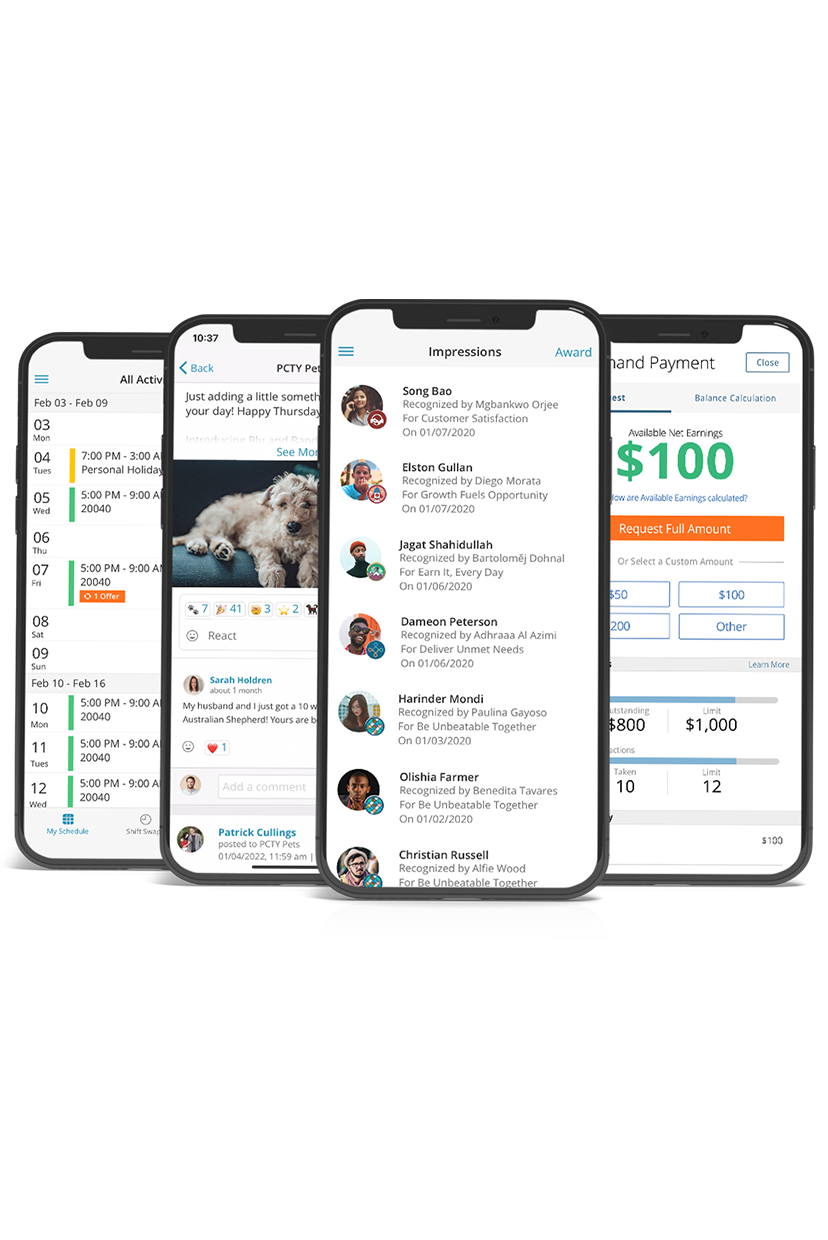
HCM in the palm of your hand
Now more than ever, you need tools suitable for a hybrid, on-the-go workforce. With employees working in the field, from home, or from multiple locations, a mobile solution where they can easily request time off, submit expense reports, or check timecards is critical to keep them connected in the new landscape of work. See how our mobile app can empower your teams.