
Best Payroll Software for Healthcare: Top 10 Solutions
Healthcare payroll doesn't follow a simple pattern. Shift differentials, float pools, and overtime rules that change by unit mean there's no such thing as a routine pay run. One missed punch or a last-minute schedule change can quickly ripple into compliance issues and employee complaints. That's why picking the right payroll software for healthcare matters.
The right healthcare payroll software pulls in time and scheduling data. It automatically calculates overtime, differentials, and retro pay, and gives managers clear audit trails and exception dashboards. This post highlights top solutions built to meet the unique payroll requirements of healthcare organizations.
In this post, we'll highlight top solutions built to meet the unique payroll requirements of healthcare organizations.
Best payroll software for healthcare of 2026
Here's an overview of the leading payroll software options for healthcare organizations. These options are listed for reference and are not ranked in any particular order.
| Platform | Best For | Key Features | Pricing |
|---|---|---|---|
| Paylocity | All-in-one HR, payroll, and expense management |
|
Custom |
| HR for Health | Small practice clinical compliance |
|
|
| Gusto | Small clinic automated tax-filing |
|
|
| Viventium | Home health and post-acute care |
|
Custom |
| Netchex | Multi-site healthcare organizations |
|
Custom |
| Workday | Large global medical businesses. |
|
Custom |
| Dayforce | Real-time continuous pay calculations |
|
Custom |
| Paychex | Healthcare regulatory monitoring |
|
Custom |
| ADP | EHR integrations |
|
Custom |
| UKG Pro | Hospital workforce labor analytics |
|
Custom |
1. Paylocity

Best for: All-in-one HR, payroll, and expense management
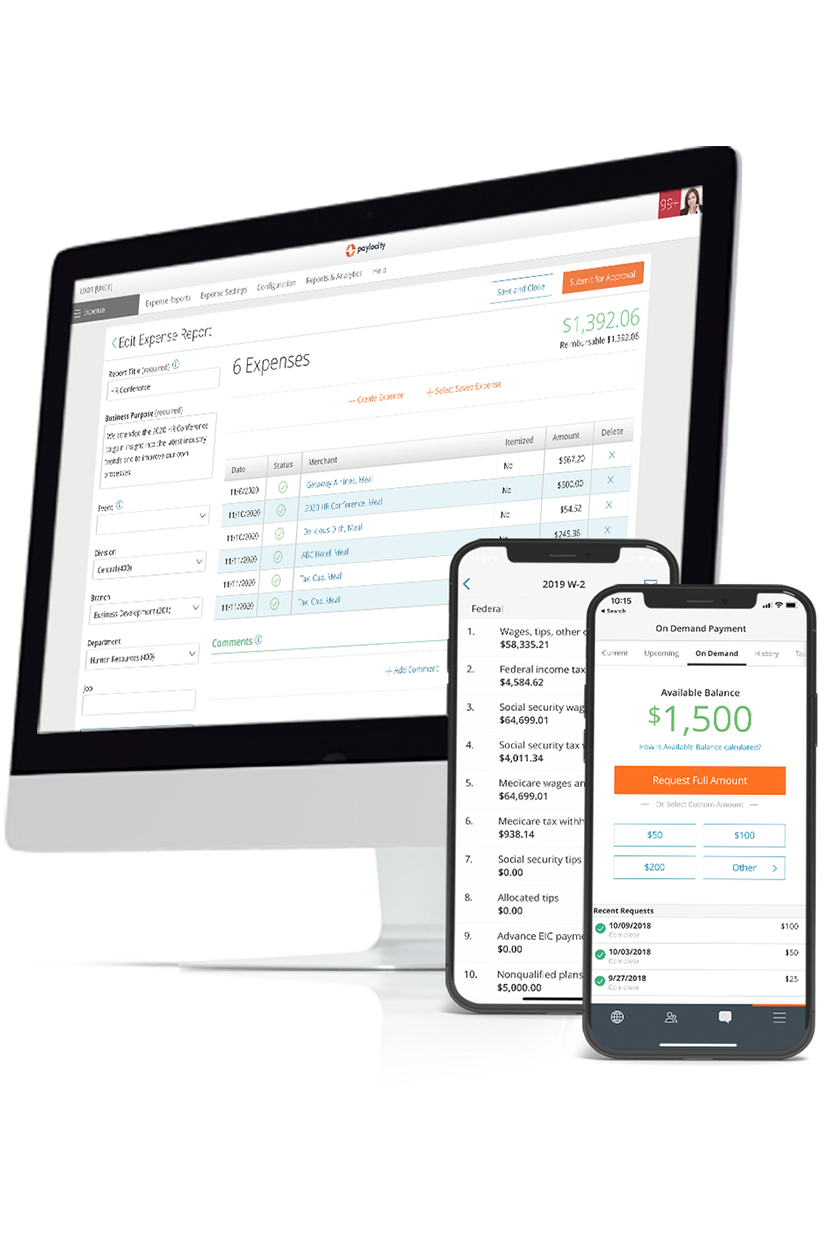
Paylocity is built for how healthcare payroll actually works, not how a software demo makes it look. From shift differentials and on-call pay to specialty pay rates and credential-based pay calculations, Paylocity helps healthcare organizations automate complex payroll scenarios while reducing manual work. Hours flow directly from Time & Labor into Payroll, helping eliminate manual reconciliation before every pay run.
Payroll, taxes, and compliance all live in one place, so HR teams aren't bouncing between systems to get a run out the door. Role-based data access controls support HIPAA alignment by keeping sensitive information visible only to the right people. And for frontline staff working long or irregular shifts, the mobile app puts pay stubs, time tracking, and wage details right in their pocket.
Key features:
- Multi‑entity and cross‑shift payroll processing: Handle payroll across departments, locations, and pay groups with automated tax and wage calculations, supporting complex shift patterns and multi-facility operations.
- Fostering payroll compliance: Centralize tax filings and compliance tasks, reducing manual work and helping to keep healthcare organizations aligned with federal and state payroll regulations.
- Mobile access: Mobile self‑service for pay stubs and wage information, helping improve employee retention and convenience.
- General ledger mapping: Allows organizations to update GL configurations on their own or leverage specialized implementation and custom reporting for flexibility.
- Healthcare training bundle (via LMS): Healthcare customers can receive access to a tailored grouping of compliance-related courses necessary for their industry.
- Credential‑based pay calculations: Automate pay for multiple types, including differential pay, overtime, and on‑demand wages, ensuring healthcare staff are paid accurately based on hours and configured pay codes.
Pricing: Custom
?ts=1767882597017&$ProductTIleImage$&dpr=off)
2. HR for Health
Best for: Small practice clinical compliance
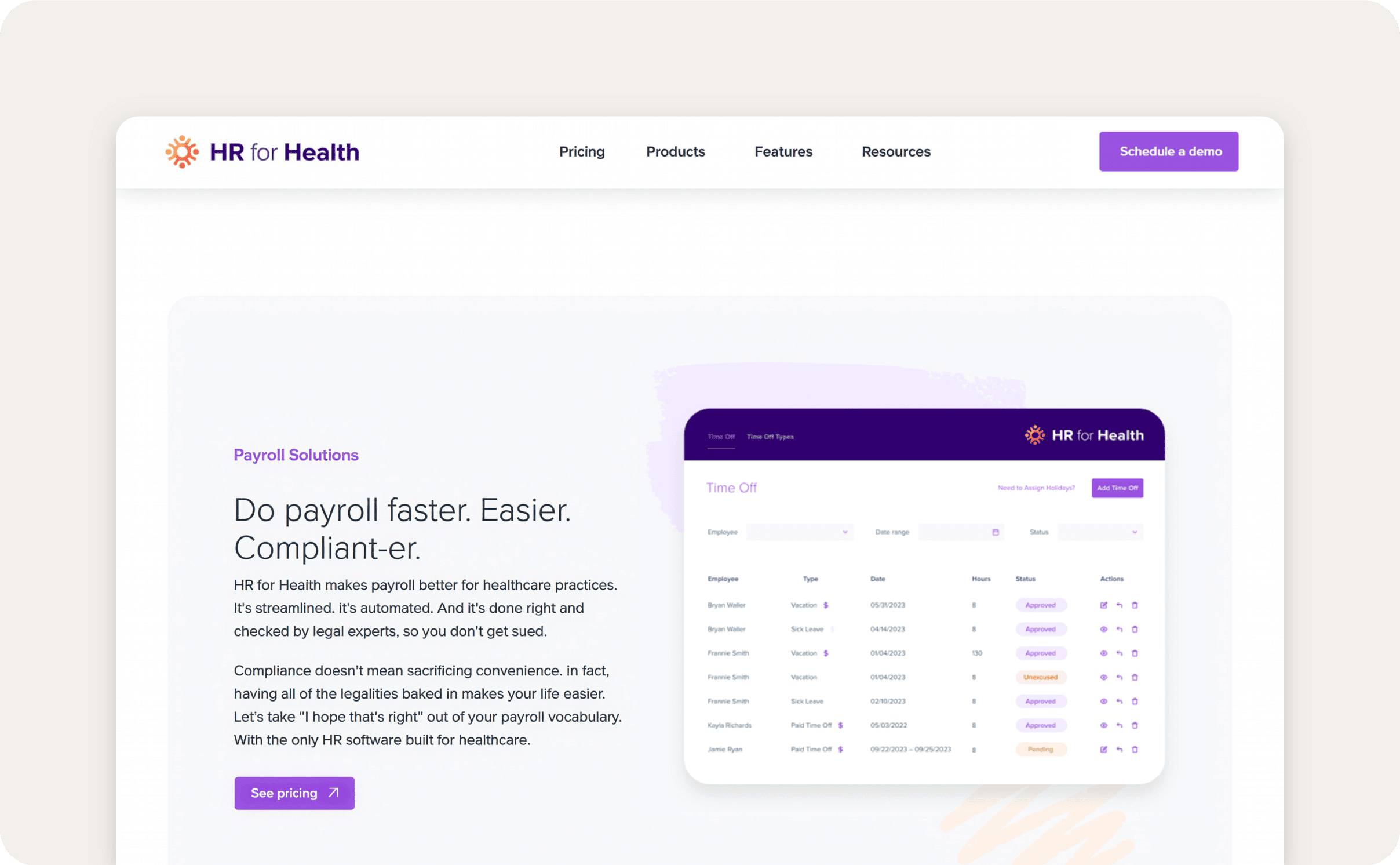
HR for Health offers an integrated payroll solution designed for healthcare practices, including dental, medical, veterinary, and related clinics. Its payroll tool processes pay runs with a “one‑click” integrated payroll that connects directly to time clocks and time‑off tracking, helping practices calculate wages, bonuses, overtime, and compliance with payroll requirements.
The company partners with Gusto Embedded to power payroll, combining healthcare compliance expertise with automated tax, payroll, and time-off tracking to reduce errors and administrative work.
Users have reported that HR for Health temporarily stopped 401(k) deferrals, which also paused employer contributions and potential earnings.Trustpilot - HR for Health
Key features:
- Automated license and CE tracking: HR for Health tracks staff licenses and continuing education, sending alerts before expiration to keep credentials current and ensure compliance.
- Cloud-based document storage: Cloud‑based document storage that lets practices securely store and access payroll-related documents, including pay stubs, tax forms, and wage records, in a centralized online system.
- Integrated payroll processing: Automates payroll runs for healthcare practices, calculating wages, overtime, and bonuses while linking directly to employee hours and time-off tracking.
Pricing:HR for Health Pricing
- Basic: $179/month
- Essentials: $249/month
- Plus: $348/month
- Premium: $374/month
3. Gusto
Best for: Small clinic automated tax-filing
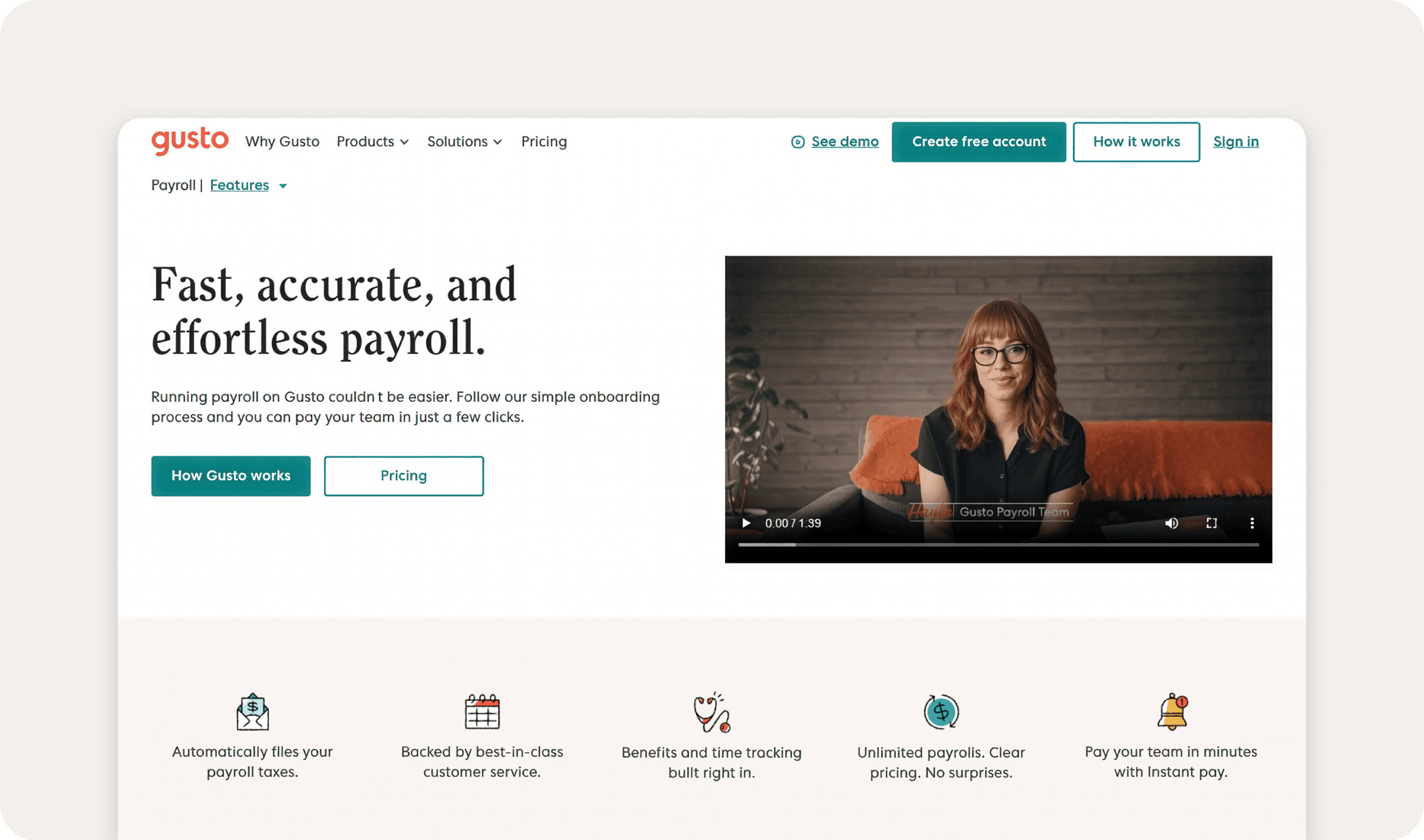
Gusto provides full‑service payroll designed to automate pay processing for small and mid‑sized organizations, including healthcare practices with hourly, salaried, and contractor pay types.
Its system handles unlimited payroll runs, calculates and files federal, state, and local payroll taxes, and integrates time tracking and benefits deductions directly into paycheck calculations.
Users report that Gusto handles basic payroll adequately, but many find the platform unintuitive and difficult to navigate for tasks like bonuses, tax setup, and benefits management. Reviews frequently cite customer support as slow or unhelpful, with ongoing issues around payroll errors, tax filings, and account setup.Trustpilot - Gusto
Our list of Gusto alternatives includes multiple options that address these common issues.
Key features:
- Automated payroll and tax compliance: Calculates and files federal, state, and local payroll taxes automatically, keeps up with changing tax laws, and stores employee I-9s, W-2s, and contractor 1099s securely online.
- Pay contractors worldwide: Run payroll 24/7 with instant pay, same-day pay, or scheduled payouts to fit cash-flow needs. Employees can pay contractors in over 120 countries with no extra setup.Gusto - Global pay
- Integrated time tracking for hourly workers: Gusto tracks hours, breaks, and lunches with geolocation, ensuring accurate wage calculations.
Pricing:Gusto - Pricing
- Simple: $49/month
- Plus: $80/month
- Premium: $180/month
4. Viventium

Best for: Home health and post-acute care
Viventium is built specifically for home health, skilled nursing, and post-acute care organizations. It supports the pay complexity this space requires, like split shifts, multiple job codes, and live-in caregiver arrangements, and handles payroll-based journal (PBJ) reporting natively so administrators aren't exporting data into a separate CMS workflow.
That said, some users report recurring glitches in the onboarding module that can stall the hiring process, and some features are hard-coded, with limited room to customize.G2.com - Viventium Software Pros and Cons | User Likes & Dislikes This can be a source of friction as organizations scale.
Key features:
- Native PBJ reporting for CMS upload: Viventium generates and submits staffing data directly to CMS, eliminating the manual export step that trips up most payroll tools.
- Shift differential and FLSA automation: The platform automatically calculates premium pay and overtime based on shift type and worker classification, reducing the risk of wage and hour errors.
- Unlimited earnings and deduction codes: Administrators can configure as many pay codes as needed to accurately reflect the varied compensation structures across caregiver, nursing, and administrative roles.
Pricing: Custom
5. Netchex
?ts=1788291113303&$ProductTIleImage$&dpr=off)
Best for: Multi-site healthcare organizations
Netchex is a full-suite HR and payroll platform with a strong foothold in healthcare, particularly for organizations managing complex pay structures across multiple locations. It stands out by handling the layered compensation rules common in this space, all within one unified system.
Users consistently praise the platform's ease of use and responsive customer support. But some flag that reporting can feel clunky and disorganized, and that PTO accruals don't update until after payroll closes, which can create confusion for employees and extra back-and-forth for HR teams.G2.com - Netchex Pros and Cons | User Likes & Dislikes
Key features:
- Shift differential and multi-rate pay support: Netchex natively handles nights, weekends, holiday premiums, on-call pay, and blended rates for employees working across different roles in the same pay period.
- PBJ-compliant reporting: Staffing data pulls directly from time and attendance records into PBJ submissions, eliminating manual compilation and reducing audit risk.
- Integrated time, payroll, and benefits: Scheduling, time tracking, payroll, and benefits administration run in one system, cutting the handoffs and reconciliation that slow down multi-department healthcare teams.
Pricing: CustomNetchex.com - Pricing
6. Workday
Best for: Large global medical businesses.
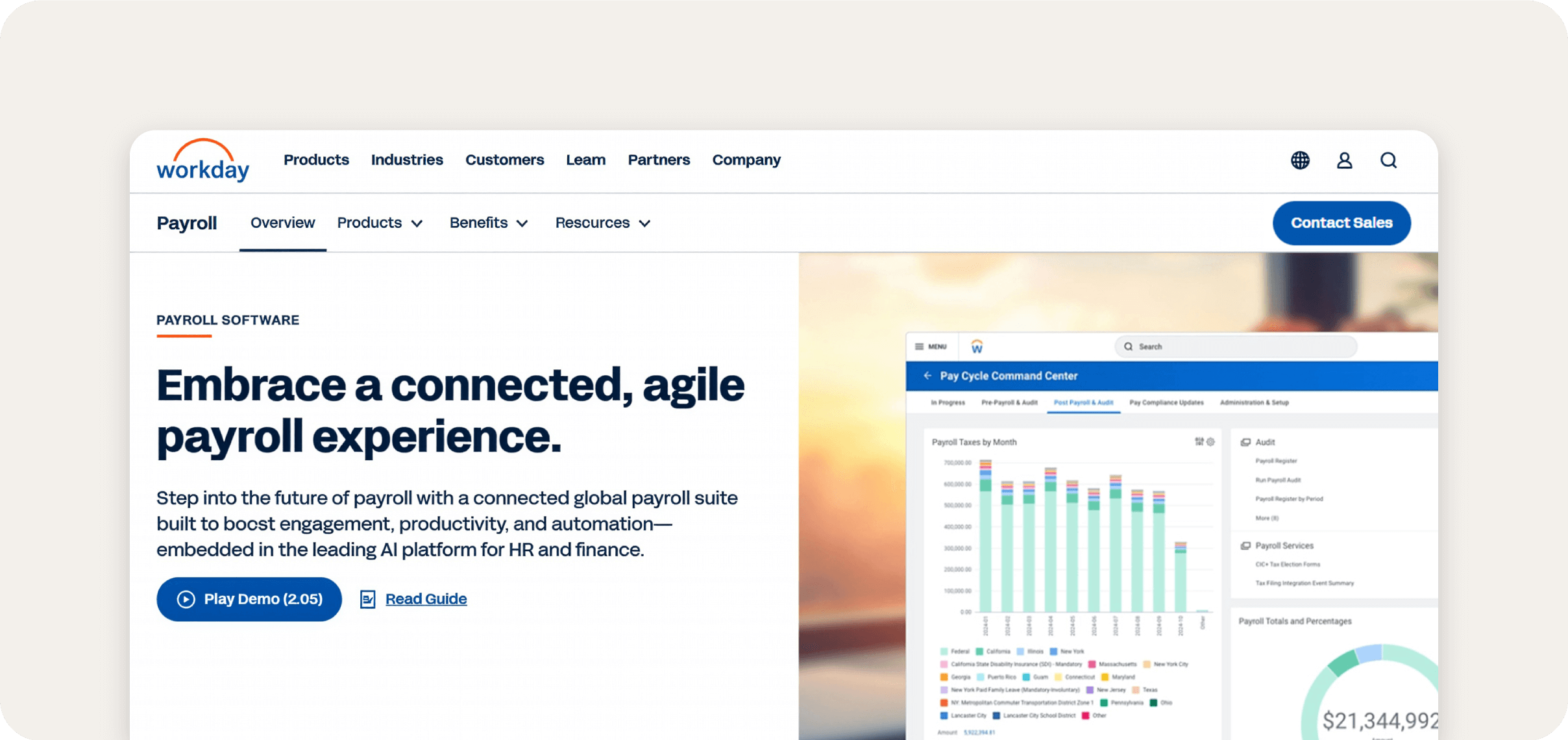
Workday provides a payroll system that automates complex payroll calculations while integrating with HR data, including job changes, benefits, time tracking, and compensation. Payroll runs are calculated from current employee data, reducing manual entry.
The system supports multi-country payroll and integrates with certified payroll partners, enabling organizations to manage employees across multiple regions while consolidating reporting. It also gives real-time visibility into labor costs, pay distributions, and compliance tracking.
Some reviewers say that users report that Workday’s interface is difficult to navigate, with many core tasks such as viewing job history, running reports, or updating employee information being unintuitive and time-consuming.G2 - Workday
Key features:
- Real-time payroll processing with automated regulatory updates: Apply tax rules and regulatory changes for federal, state, and local jurisdictions, reducing manual corrections and missed compliance requirements.
- Unified employee self-service for payroll data: Employees can view pay stubs, tax documents, and payroll history through a mobile-friendly portal.
- Global payroll coordination with partner ecosystem: Workday integrates native payroll processing with certified local payroll providers, enabling centralized oversight while processing local payroll in accordance with regional regulations and reporting requirements.
Pricing: Custom
7. Dayforce

Best for: Real-time continuous pay calculations
Dayforce manages payroll by continuously calculating pay as time and HR data change, rather than waiting for end-of-period batch runs. This means payroll reflects the latest hours, deductions, and changes without manual syncing. This means payroll reflects the latest hours, deductions, and changes without manual syncing.
Payroll also supports global operations through native processing and partner integrations, with reporting tools that let teams review pay outcomes and compliance status before finalizing runs.
Users report that Dayforce can be slow to update due to limited admin-level configuration options, and that customer support can be difficult to communicate with.G2 - Dayforce
Key features:
- Continuous payroll calculation throughout the pay period: Recalculates net pay in real time as changes are made to time, benefits, or HR records, reducing reconciliation work and helping payroll teams see final pay results before submitting runs.
- Dayforce Wallet on‑demand pay option: Within payroll, employees can access a portion of their already earned wages through Dayforce Wallet on a mobile app and prepaid card, providing flexible access to earned pay outside of standard payroll cycles.
- Global compliance support: Provides dedicated partners to help organizations stay up to date with regulatory changes in 200+ countries and territories.Global Compliance
Pricing: Custom
8. Paychex
Best for: Healthcare regulatory monitoring
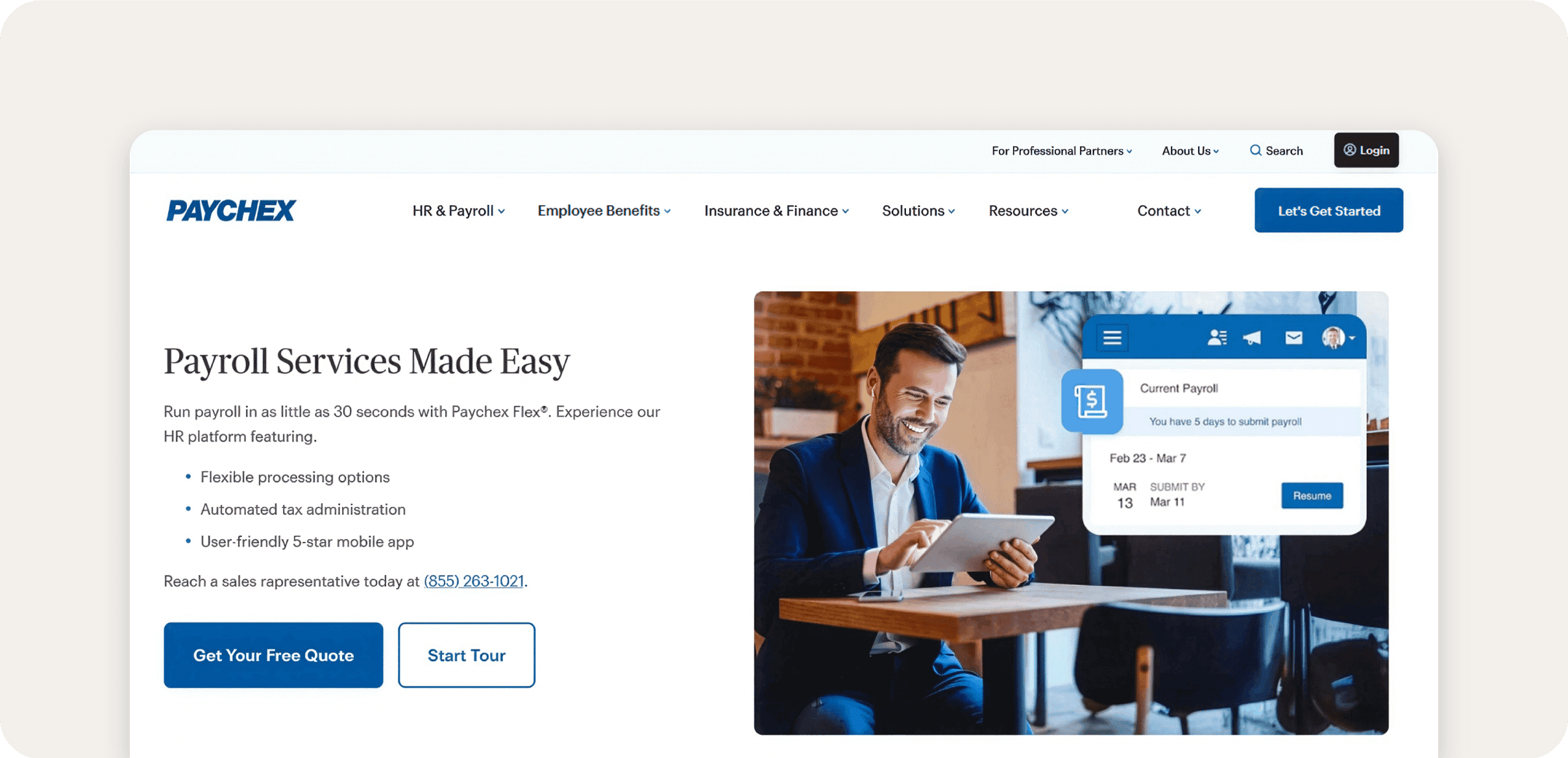
Paychex provides a payroll system that automates pay processing, tax administration, and paycheck previews while integrating with employee self‑service tools.
Payroll runs can be processed online or via mobile, tax calculations and filings are handled automatically, and employees can access pay stubs and tax documents through a portal. The system also supports flexible pay delivery methods, including direct deposit, pay cards, and on‑demand access to earned wages.
While Paychex offers a wide range of payroll features, several users have reported challenges with Paychex. These include interruptions in 401(k) distributions, limited integration between payroll and benefits modules, and difficulties during open enrollment.G2 - Paychex
Payroll‑specific features
- Paychex Pre-Check®: Paychex Pre‑Check lets employees review upcoming paystubs before payroll is finalized so they can identify errors and flag discrepancies ahead of payday.
- Paychex Flex® mobile app: Lets administrators run and submit payroll from a smartphone or tablet, review employee data, and make updates without needing to be at a desktop.
- Flexible employee payout options: Paychex supports multiple payout methods, including direct deposit, pay cards, and on‑demand access to earned wages, giving workers a choice in how they receive pay.
Pricing: Custom
9. ADP
Best for: Standardized payroll processing tied to compliance
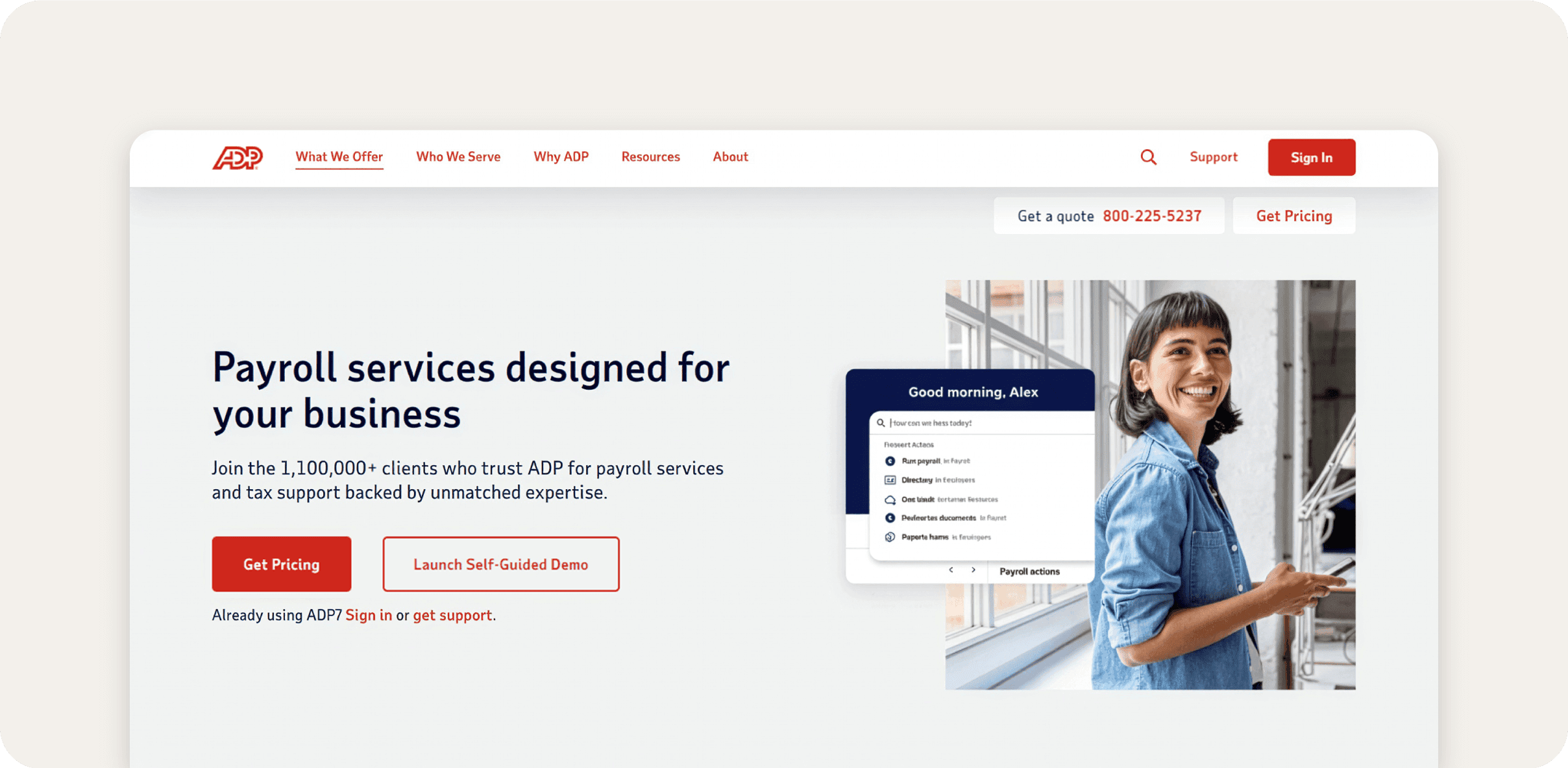
ADP is widely used in healthcare for multi-state and multi-location payroll. It features a strong compliance infrastructure covering ACA filing, new-hire reporting, and automatic tax table updates across federal, state, and local jurisdictions. Its integrations with EHR and HCM systems allow payroll data to flow in without manual re-entry.
Employers can process payroll runs from web or mobile, employees and admins can access key payroll forms and pay stubs in a portal, and the system updates tax tables to reflect federal, state, and local requirements. ADP is often chosen where organizations need standardized payroll processing tied to compliance.
According to some reviews, the system can be difficult to navigate, with basic tasks spread across multiple disconnected areas, making it inefficient for managers and employees without training. Users also report limited customer support, with no consistent point of contact and inconsistent follow-through on issues.G2 - ADP
Key features:
- Compliance support for multi-location operations: Tools and guidance to ensure employers meet compliance obligations across different provinces or regions.
- New‑hire reporting integration: New‑hire data required by state agencies can be submitted directly during payroll, helping practices stay compliant with mandated reporting deadlines.
- Automated paydata integration: Send hours and earnings from your HCM or ERP system directly into ADP Workforce Now as a paydata batch, reducing manual data entry and imports.
Pricing: Custom
10. UKG Pro
Best for: Hospital workforce labor analytics
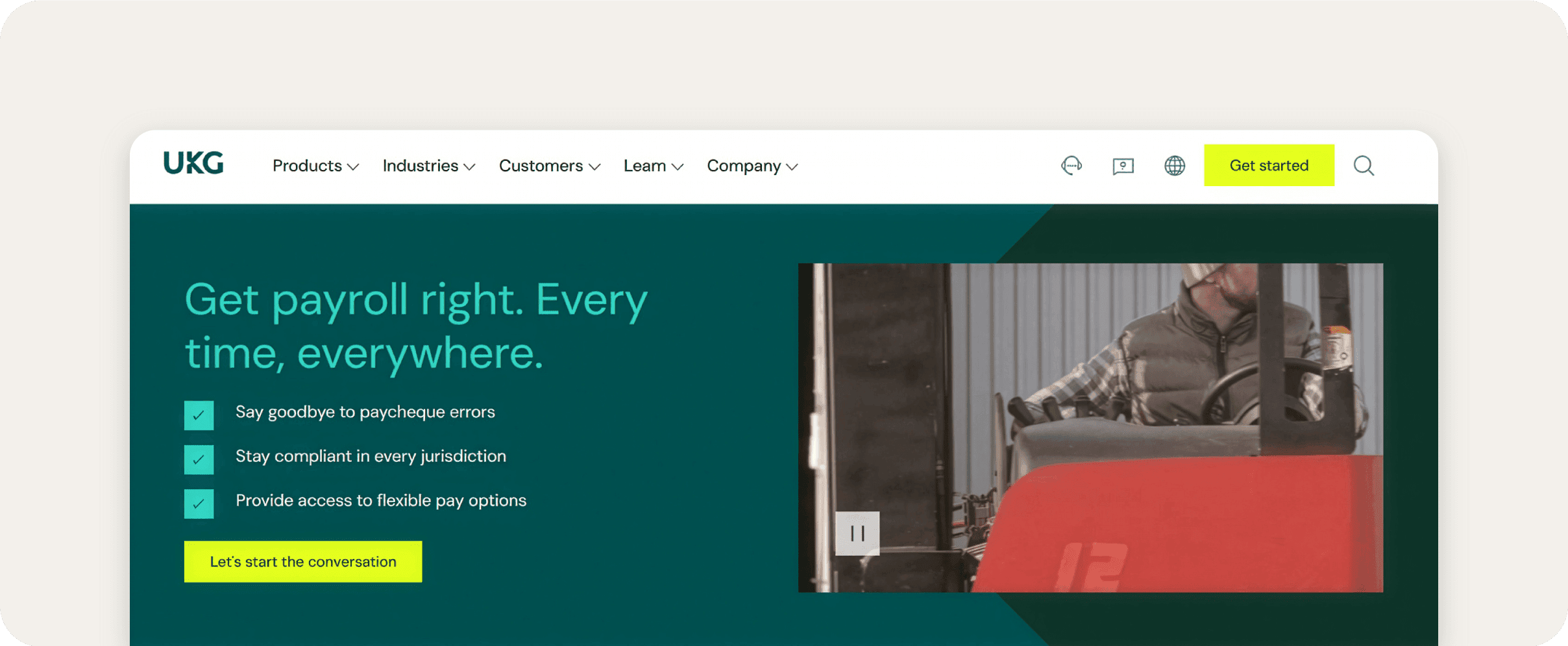
UKG Pro is built on Kronos DNA. UKG acquired the workforce management giant and folded its scheduling and labor-tracking capabilities into a full HR and payroll platform, giving UKG Pro a real edge in complex clinical environments where shift patterns, union rules, and department-level labor costs drive payroll.
The payroll engine updates in real time as hours and deductions change, so there's no waiting on batch runs to see where things stand. Employees get self-service access to pay stubs and tax forms, and the platform supports global payroll with localized compliance and currency management built in.
That said, users report that UKG Pro’s mobile-only design can be limiting, with slow performance outside of WiFi and challenges in applying PTO or accessing printable information.G2 - UKG Pro
Key features:
- Real‑time payroll engine with live calculations: UKG Pro recalculates gross‑to‑net pay as timesheets or payroll data change, helping ensure payroll reflects current hours and deduction rules before runs are finalized.
- Earned wage access and flexible pay options: The system supports earned wage access and early direct deposit, letting employees withdraw portions of earned pay or receive pay early without disrupting scheduled payroll runs.
- Multi‑currency and global payroll support: UKG Pro’s payroll can be managed across 160+ countries15 with support for localized tax rules, multiple currencies, and integrated reporting to help organizations consolidate international payroll.
Pricing: Custom
Features to look for when choosing healthcare payroll software
Healthcare payroll has unique complexities, from variable shifts and overtime rules to credential tracking and regulatory compliance. The right software automates these processes, reduces manual errors, and gives administrators visibility into labor costs while supporting staff needs.
Below are key payroll features to consider when evaluating payroll solutions for your organization.
Automated shift differentials and complex medical pay rules
Healthcare staff often work nights, weekends, holidays, or float across units, and payroll needs to reflect these variations. A robust payroll rule engine automates shift differentials, on-call pay, and float pool calculations. This reduces manual overrides and ensures nurses and clinical staff are compensated accurately for all shift types.
Clinical credential and license tracking
Medical licenses, certifications, and continuing education credits must be current to remain compliant. Payroll platforms that integrate credential tracking can send automated alerts for upcoming expirations, preventing compliance gaps and keeping the workforce ready for audits and surveys.
HIPAA safeguards and data access controls
Payroll systems often handle sensitive health-related information through benefits, leave management, and reporting. Look for role-based access controls, audit logs, encryption, and secure document workflows to limit who can view sensitive data and maintain a clear access trail for compliance reviews.
Labor cost allocation by unit or department
Tracking labor spend across different wings, departments, or specialties helps administrators manage staffing ratios and overtime costs in real time. This visibility enables better financial management, ensuring resources are used efficiently while protecting thin healthcare margins.
Earned wage access for staff retention
On-demand pay allows employees to access earned wages before payday, providing financial flexibility in a competitive healthcare labor market. This feature supports employee financial wellness and can be a key retention tool for nursing and support personnel.
Payroll-based journal (PBJ) reporting for long-term care
Payroll-based journal (PBJ) reporting is a CMS requirement for skilled nursing facilities and long-term care providers to submit staffing and hours data quarterly, and errors or gaps can directly affect a facility's star rating and audit standing.
Look for a payroll platform that:
- Collects the required data automatically at the point of time entry.
- Flags exceptions before the submission deadline.
- Either exports directly to the CMS system or integrates with a tool that does.
Not every platform on this list supports PBJ natively, which makes it one of the clearest differentiators between general-purpose payroll software and solutions built specifically for post-acute and long-term care.
How to choose the best payroll software for your healthcare organization
The right payroll platform depends heavily on what type of healthcare organization you run. For example, a platform built for a hospital system will be overkill for a two-provider clinic, while a small-business tool won't hold up under shift differentials and credential-based pay rules at scale.
Use the insights below to narrow your shortlist.
Small and independent practices (under 50 employees)
Independent practices and small clinics typically need:
- Automated tax filing
- Simple time tracking
- Benefits administration without a long implementation curve
HR for Health is built specifically for clinical settings at this size, with license tracking and document storage included. Gusto is a strong alternative for practices that prioritize ease of use and want straightforward automated payroll without healthcare-specific complexity.
For practices anticipating growth, or those already managing multiple providers, credential tracking, or on-call pay, Paylocity scales into those needs without requiring a platform switch.
Mid-size multi-site organizations (50–500 employees)
Multi-site healthcare groups need a platform that can handle different pay rules, locations, and departments without requiring a custom integration for every facility.
Paylocity is the strongest all-in-one option here, with built-in support for shift differentials, general ledger mapping by cost center, credential-based pay calculations, and a prebuilt healthcare LMS training bundle.
Netchex is also worth considering if ACA compliance management is a higher priority, though it lacks the breadth of Paylocity's HR and talent suite.
Home health and post-acute care
Home health agencies, skilled nursing facilities, and post-acute care organizations have payroll requirements that most general-purpose platforms don't handle well. Take PBJ reporting, for instance, which is a CMS mandate for long-term care.
Viventium is purpose-built for this segment, but Paylocity is a stronger fit for post-acute organizations that also need a full HR platform, including performance management, onboarding, and employee engagement tools, alongside core payroll.
Large health systems and enterprise organizations
Enterprise health systems operating across multiple states, entities, or countries need platforms with real-time payroll engines, global compliance infrastructure, and deep workforce analytics.
UKG Pro (built on Kronos's hospital-scheduling heritage) and Workday are the leading options in this tier. Paylocity serves enterprise healthcare organizations seeking a modern, unified platform without the implementation complexity and cost of Workday or SAP, particularly health systems that prioritize employee experience and HR automation alongside payroll.
Dayforce is worth evaluating for organizations that want continuous payroll calculation rather than batch processing, and ADP Workforce Now may be a good fit when standardized multi-state compliance is the primary driver.
Simplify healthcare payroll with Paylocity
Managing payroll in healthcare can be complex, from shift differentials and on call pay to credential tracking and compliance requirements. Paylocity payroll software streamlines these processes, reducing errors and giving administrators clear visibility into labor costs, all while supporting staff with mobile and on demand pay options.
Explore Paylocity healthcare payroll to see how automated pay calculations can save time and reduce compliance risks. Request a free demo today and discover how we can support your organization’s unique payroll and workforce needs.
Request a Demo Today!
Learn more about Paylocity’s workforce management tools. Explore how Paylocity supports modern people operations across your organization.

Request a demo today to see exactly how Paylocity can help your organization run payroll faster, stay compliant, and keep your workforce satisfied.
Sources
Save time with stress-free Payroll Solutions
Payroll doesn’t have to be complicated, but it does have to be right. Stay compliant, collect employee data, and streamline tax filing – all while putting time back in your day with our automated payroll software. With the assurance of an error-free workflow, you can get back to what matters most – your people. Learn how our modern solutions get you out of the tactical and back to focusing on the bigger picture.
Related
![The 9 Best Payroll Software for Small Businesses [2026]](https://s7d9.scene7.com/is/image/paylocity/best-payroll-software-hero?$Hero-Card$)
The 9 Best Payroll Software for Small Businesses [2026]
