
10 best workforce planning software to scale your team
Headcount planning can become more complex as organizations try to align hiring, compensation, and budgets across multiple teams and changing priorities. In many cases, this work is still managed through spreadsheets or disconnected systems, which can make it harder to keep plans aligned as updates happen.
Workforce planning software helps close that gap by connecting HR data with financial forecasting, linking hiring, compensation, and headcount decisions directly to budget and performance.
In this article, we’ll cover 10 top workforce planning tools, who they’re best for, and the key features to look for when moving beyond static spreadsheets.
The best workforce planning software of 2026
| Platform | Best for | Key features | Pricing |
|---|---|---|---|
| Paylocity | Unified, all-in-one HR, payroll, and labor planning. |
|
Custom with free demo |
| Anaplan | Enterprise-scale scenario modeling and workforce optimization. |
|
Custom with free demo |
| Oracle Cloud HCM | Global AI-driven talent and skill-gap forecasting. |
|
Custom |
| Visier |
Predictive people analytics and retention-risk modeling. |
|
Custom with free demo and free trial |
| Workday Adaptive Planning | Real-time alignment of headcount costs with financial budgets. |
|
Custom with free trial |
| ChartHop | Visual org-chart-based headcount and structure planning. |
|
Custom with free demo |
| Planful | Finance-led labor expense and compensation forecasting. |
|
Custom with free demo |
| UKG |
Frontline labor demand and operational capacity planning. |
|
Custom |
| BambooHR | SMB headcount tracking and salary benchmarking. |
|
Custom with free demo |
| ADP Workforce Now | Compliance-driven workforce forecasting and demographic reporting. |
|
Custom |
1. Paylocity

Paylocity brings HR, payroll, headcount planning, and workforce analytics into one place — so you’re not juggling spreadsheets or chasing updates across Slack threads just to make staffing decisions.
Finance leaders and HR teams can build hiring plans from the ground up, set headcount targets by budget or employee count, and track forecasts vs. actuals in real time without leaving the platform. Approval workflows automatically route requests to the right people, and access controls keep sensitive compensation data locked down.
On the time and labor side, Paylocity helps managers build smarter schedules with AI-driven recommendations. Team managers can match shifts based on employee skills, and compliance is simplified with built-in guardrails for overtime, breaks, and attestations.
Key features:
- Integrated headcount and financial planning: Headcount plans are built directly on live payroll and HR data, so budget forecasts update automatically as team changes happen.
- AI-powered scheduling and labor optimization: Shift recommendations factor in availability, skills, certifications, and labor budgets, with overtime alerts and demand forecasting helping managers control costs before they become a problem.
- Tools to minimize compliance risk: Overtime calculations, meal and break rules, premium pay, and waiver tracking are tied directly to timecards, reducing manual errors and the risk of payroll surprises across jurisdictions.
- Employee self-service and mobile access: Employees can manage schedules, swap shifts, submit PTO, and review timecards through the Paylocity mobile app.
- Unified approval workflows: Conditional workflows notify the right stakeholders at each planning and scheduling step, creating an audit trail that keeps finance, HR, and hiring managers aligned without relying on email threads or offline spreadsheets.
Pricing: Custom with free demo

2. Anaplan
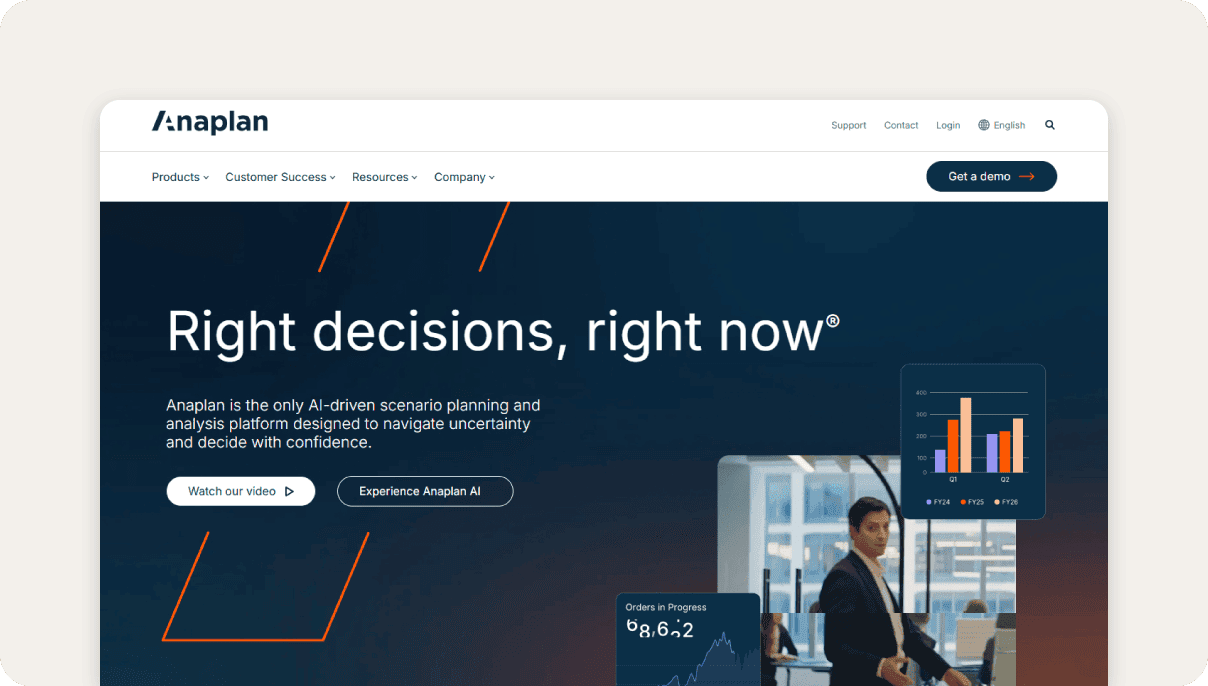
Best for: Enterprise-scale scenario modeling and workforce optimization.
Anaplan is an AI-driven platform for scenario planning and analysis that helps organizations make decisions in uncertain environments using real-time data. It uses embedded predictive, generative, and agentic AI to run large-scale, complex models and deliver insights.
It centralizes HR, finance, and operational data to support headcount planning, capacity modeling, and long-range workforce strategy through a flexible, formula-driven modeling engine.
Users report that Anaplan has a steep learning curve and typically requires dedicated model builders or implementation partners to set up effectively.Coefficient.io -Top 8 Strategic Workforce Planning Tools in 2025 Pricing is enterprise-tier, making it impractical for mid-sized organizations without the budget or technical resources to support it.Coefficient.io - Top 8 Strategic Workforce Planning Tools in 2025
Key features:
- Unlimited "what-if" scenario modeling: Build and compare multiple workforce scenarios simultaneously to evaluate how changes in headcount, cost, or structure affect business outcomes.
- Top-down and bottom-up workforce alignment: Reconcile executive-level targets with department-level headcount inputs to create cohesive, organization-wide workforce plans.
- Skills gap and succession analysis: Map current workforce capabilities against future role requirements to identify gaps and surface internal candidates for critical positions.
Pricing: Custom
3. Oracle Cloud HCM
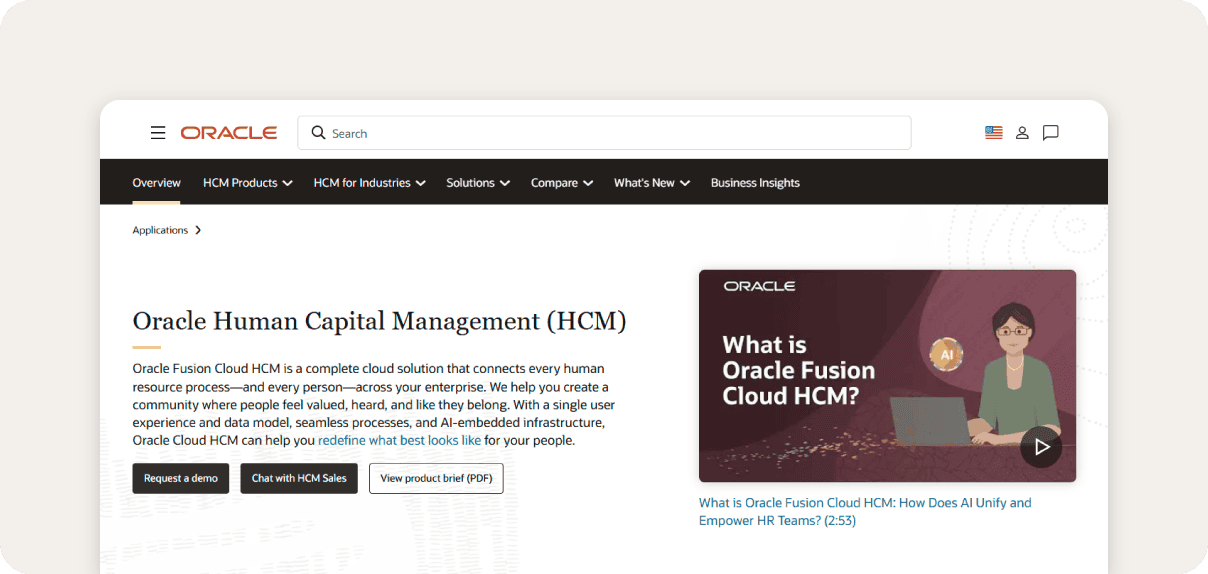
Best for: Global AI-driven talent and skill-gap forecasting.
Oracle Cloud HCM connects every HR process from hire to retire with AI embedded throughout the platform. Tools like Oracle Dynamic Skills and Fusion HCM Analytics let organizations infer emerging skills from employee data, identify internal mobility opportunities, and simulate workforce readiness across multiple time horizons.
Absence, time-and-labor, and payroll data feed into a single model, keeping workforce availability consistent across planning functions.
Reviews report that implementation typically takes up to a year and requires external consultants.Outsail.co – Oracle HCM Cloud Reviews Ad hoc reporting lags behind competing solutions, often requiring custom development to fill the gap.TechnologyEvaluation.com – Oracle HCM Cloud
Key features:
- AI-powered workforce labor optimization: An AI scheduling assistant optimizes shifts using skills, FTE hours, and fatigue data to manage compliance and reduce labor costs.
- Strategic workforce skills forecasting: AI identifies skills gaps and predicts future staffing needs based on attrition and growth trends.
- Integrated absence and task management: A configurable global absence management solution integrated directly with Oracle Payroll and Time and Labor.
Pricing: Custom
4. Visier
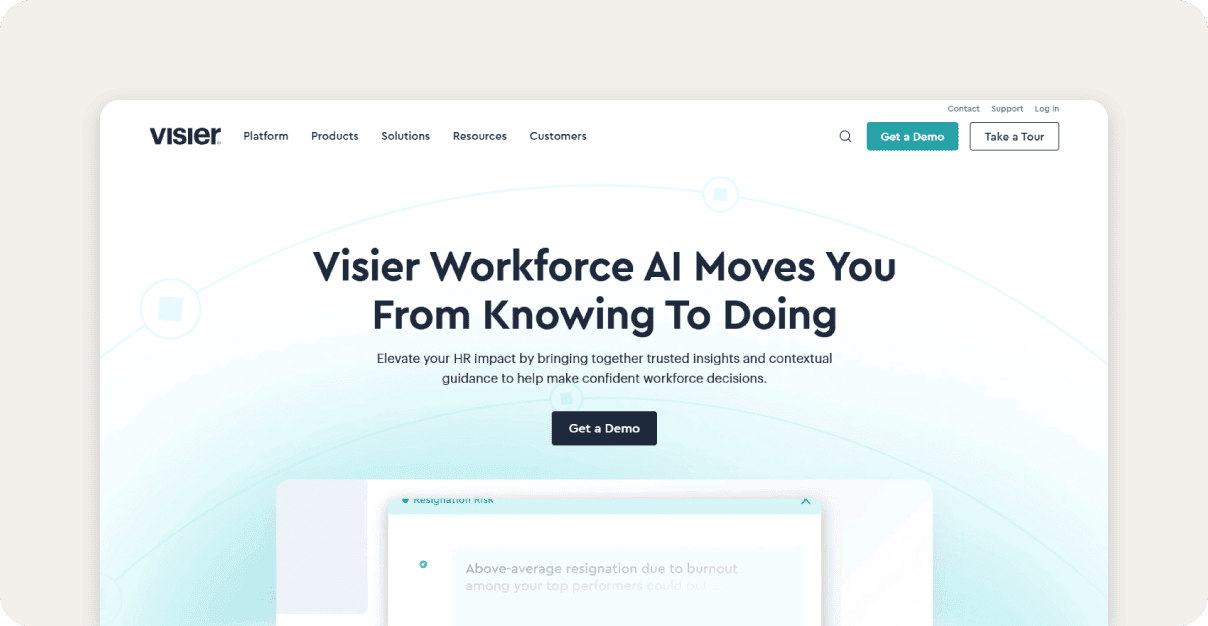
Best for: Predictive people analytics and retention-risk modeling.
Visier is a people analytics and workforce optimization software that turns data into clear insights on hiring, retention, diversity, and succession planning.
One of its biggest strengths is predictive analytics. Using machine learning, it can forecast employee attrition and upcoming skill gaps, so teams can plan ahead rather than react after the fact. It also moves workforce planning beyond a once-a-year exercise, giving HR, finance, and business leaders a real-time view of actuals so they can adjust plans as needed and stay aligned with the budget.
Visier sits on the higher end of the market, with pricing and contracts that often require one- to three-year commitments, which can be a stretch for smaller teams.TechnologyEvaluation.com – Visier People Review Some users also note limitations with report and dashboard customization, and say integrations — especially with payroll systems or external databases — can take extra effort due to complex data mapping.TrustRadius.com – Visier People User Review
Key features:
- Predictive turnover and retention modeling: Machine learning forecasts future attrition and skill shortages, helping organizations proactively address talent gaps before they affect operations.
- Collaborative cost-driven people planning: Plan portions can be delegated to various stakeholders across HR and finance, keeping headcount goals aligned with shared financial targets.
- Continuous plan-to-actuals tracking: Headcount actuals are tracked in real time against plans, allowing teams to adjust forecasts as conditions change rather than waiting for annual review cycles.
Pricing: Custom
5. Workday Adaptive Planning
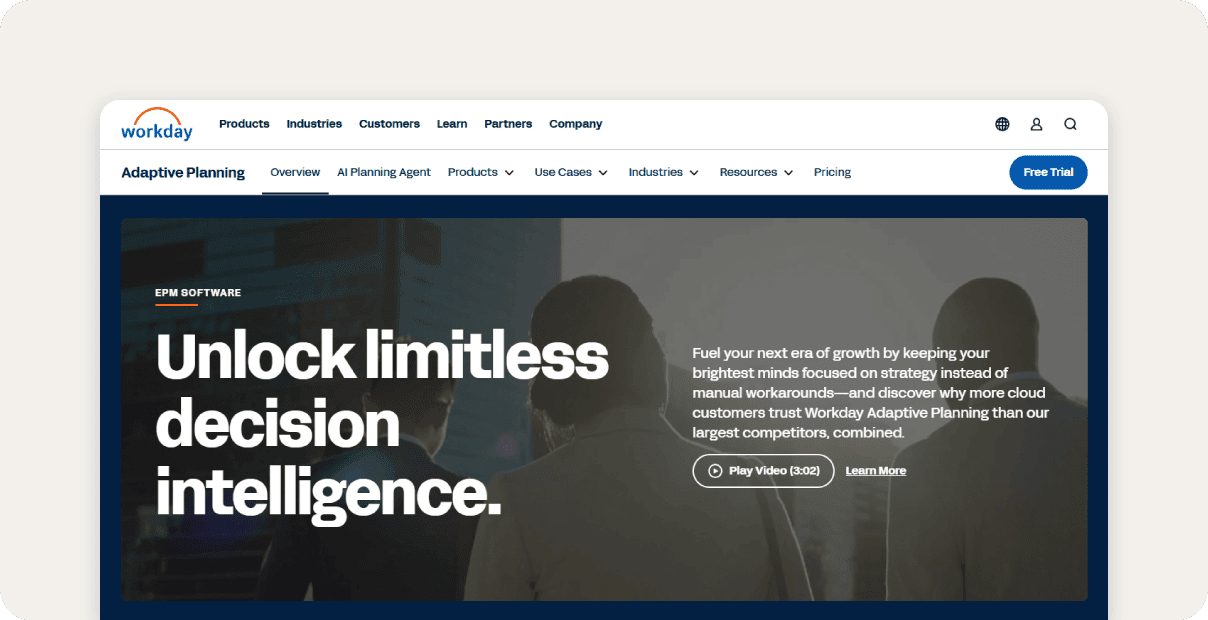
Best for: Real-time alignment of headcount costs with financial budgets.
Workday Adaptive Planning brings HR, finance, and operations together in one platform, using driver-based assumptions to model hiring, transfers, and retention plans with instant cost impact visibility.
It also supports organizational change scenarios such as restructures, mergers, and acquisitions, while allowing teams to weigh bottom-up operational plans against top-down strategic targets.
Because workforce data pulls directly from Workday HCM in real time, headcount plans reflect active employees at any given moment rather than static snapshots.
Reviews say that integrating with non-Workday ERP and financial systems can cause synchronization issues, and customization options are technically complex.Research.com – Workday Adaptive Planning Review
Key features:
- Driver-based headcount modeling: Hiring, transfer, and retention plans are modeled using driver-based assumptions, with cost impacts visible instantly across financial models.
- Real-time finance and HR data integration: Live, dynamic models link directly to live workforce data, so finance can immediately see how a single role change impacts the overall budget.
- Organizational restructuring and M&A impact analysis: Workforce models can be built to reflect restructures, mergers, and acquisitions, helping teams plan for talent needs during periods of organizational change.
Pricing: Custom
6. ChartHop
Best for: Visual org-chart-based headcount and structure planning.
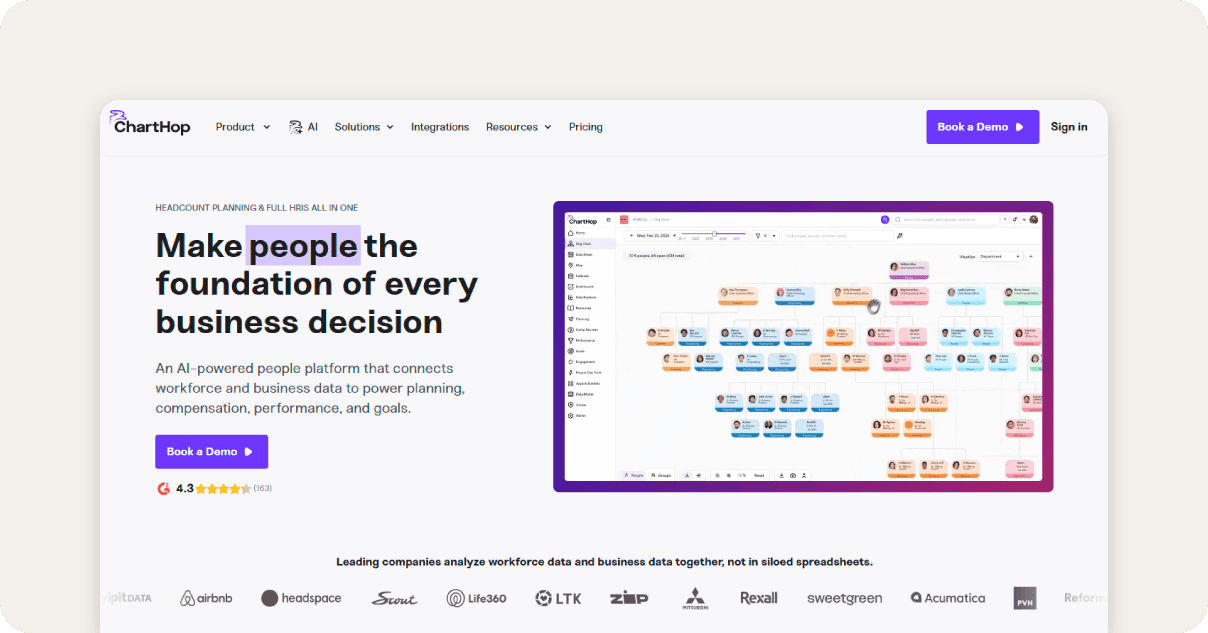
ChartHop is an HR and people analytics platform that helps companies understand and plan their workforce. It focuses on visual headcount planning. Teams can model scenarios directly in the org chart — opening roles, restructuring teams, and instantly seeing the budget and demographic impact. You can drag and drop changes, then switch to data or dashboard views to analyze the results.
Org structure, compensation, and performance data stay in sync without manual exports because everything runs on a single connected dataset.
Reviews note that ChartHop has some integration and feature limitations,G2.com – ChartHop Pros & Cons such as a lack of HR templates, and would benefit from built-in e-signature functionality to support onboarding and HR workflows.G2.com – ChartHop User Review
Key features:
- Interactive visual org chart scenarios: Headcount scenarios are built by dragging and dropping roles on a live org chart, with budget and demographic impacts updating in real time as changes are made.
- AI-generated headcount models: AI insights inform workforce scenario planning, helping teams model growth and organizational changes with data-backed recommendations rather than manual estimates.
- Dynamic headcount approval workflows: Managers can request org changes through guided workflows, with configurable approval routing across HR, finance, and leadership.
Pricing: Custom with free demo
7. Planful

Best for: Finance-led labor expense and compensation forecasting.
Planful helps Finance and HR teams plan, manage, and adjust headcount and people costs within a single connected environment.
Its Workforce Planning module supports headcount management, compensation modeling, and workforce cost planning, including salary, benefits, and other employee-related expenses that feed directly into financial plans.
Workforce plans update as changes are made, allowing teams to model hiring, terminations, and transfers while keeping workforce data aligned with broader planning and forecasting processes.
With Workforce Pro, Planful extends these capabilities with compensation-level actuals integration, enabling more accurate plan-versus-actual comparisons and improved visibility into labor spend drivers.
Reviews report that Planful has a steep learning curve and an unintuitive user interface,G2.com – Planful Pros & Cons such as challenges adding accounts into reports because it requires specific internal codes instead of using standard account numbers.G2.com – Planful reviews
Key features:
- Automated workforce capacity planning: Workforce plans update automatically against actuals, allowing teams to analyze variances at a granular level and adjust capacity forecasts without manual reconciliation.
- Labor expense and fringe benefit forecasting: Actual compensation data feeds directly into workforce plans for accurate labor spend forecasting, helping teams spot budget gaps and reduce end-of-period surprises.
- Unified workforce and financial budgeting: Workforce planning sits within the same platform as financial budgeting and consolidation, so headcount decisions and financial plans stay in sync without toggling between systems.
Pricing: Custom
8. UKG
Best for: Frontline labor demand and operational capacity planning.
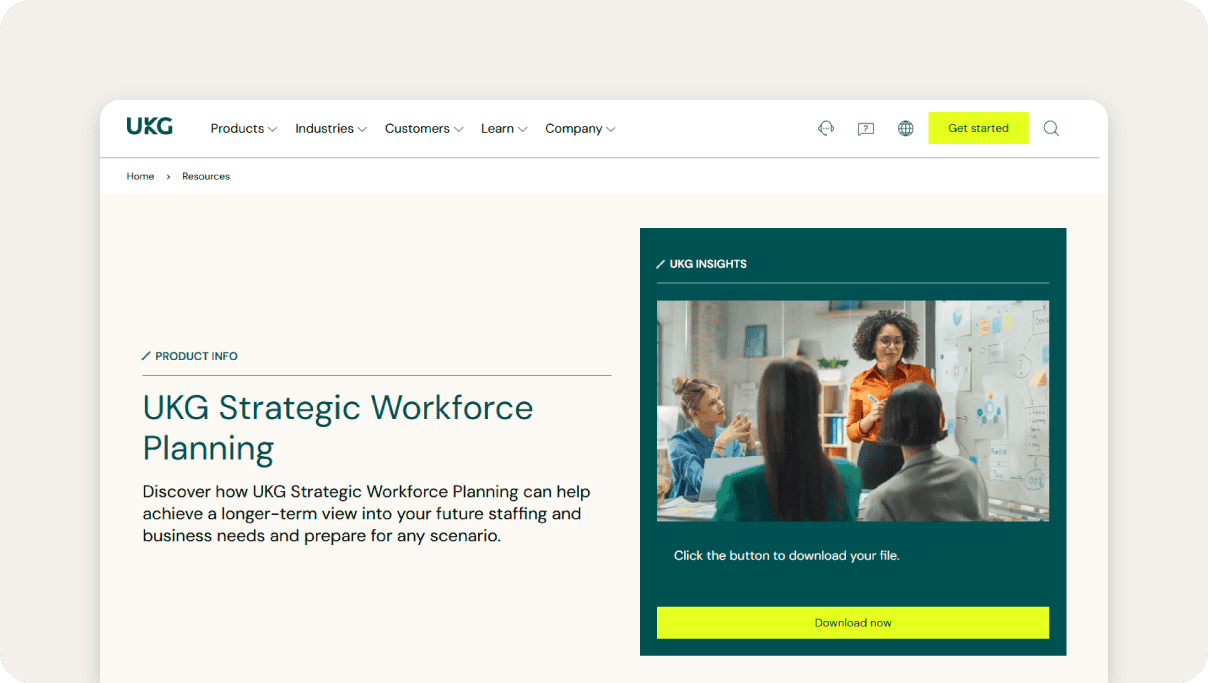
UKG Strategic Workforce Planning, part of UKG Pro Workforce Management, helps teams forecast staffing needs using workforce supply-and-demand data, automating budgeting and planning in the process.
On the scheduling side, machine learning analyzes historical and real-time inputs like demand, events, and past patterns to forecast staffing needs in 15-minute intervals and recommend the right employees for each shift. Teams can also build labor models using inputs like sales or foot traffic, while shared dashboards keep HR, finance, and operations aligned.
Users say that UKG’s depth can be a lot to handle. Setup, customization, and integrations often require technical support, and the time and cost involved make it a better fit for mid-size to enterprise companies rather than smaller teams.Connecteam.com - UKG Review
Key features:
- Strategic workload and team capacity modeling: The Capacity Planning module supports long-term budgeting with scenario modeling tools that allow teams to plan staffing levels across different business conditions.
- AI-assisted labor demand forecasting: UKG's demand forecasting engine uses machine learning algorithms that continuously improve prediction accuracy by learning from actual business patterns.
- Customizable strategic planning dashboards: Dashboards can be configured with workforce analytics and combined with additional data sets for context-rich reporting that connects talent strategy to long-term business goals.
Pricing: Custom
9. BambooHR

Best for: SMB headcount tracking and salary benchmarking.
BambooHR is an HR platform built for small to mid-sized teams, combining core HRIS features with compensation tools like salary benchmarking, pay band management, and collaborative planning with built-in approval workflows.
It also covers the basics of reporting, like giving teams quick visibility into headcount and turnover without needing heavy analysis or manual spreadsheets.
Certain reviews note that BambooHR isn’t built for advanced workforce analytics. There’s no predictive modeling, limited cross-functional reporting, and no deep statistical tools. As companies scale or expand globally, many outgrow the platform due to its limitations around more complex payroll situations, such as multi-state or international payroll.WorkflowAutomation.net - BambooHR Review
Key features:
- Headcount and turnover reporting: Customizable dashboards surface live headcount data, turnover trends, and curated HR insights for strategic decision-making without requiring data exports.
- Collaborative compensation planning: Compensation review cycles are managed through configurable workflows covering cycle creation, budgeting, permissions, and approvals, with automatic currency conversion for multi-location teams.
- Mercer-integrated salary benchmarking: Mercer Comptryx data is embedded directly in the platform, covering multiple industries and global geographies to support role-level pay benchmarking against relevant market standards.
Pricing: Custom with free demo
10. ADP Workforce Now
Best for: Compliance-driven workforce forecasting and demographic reporting.
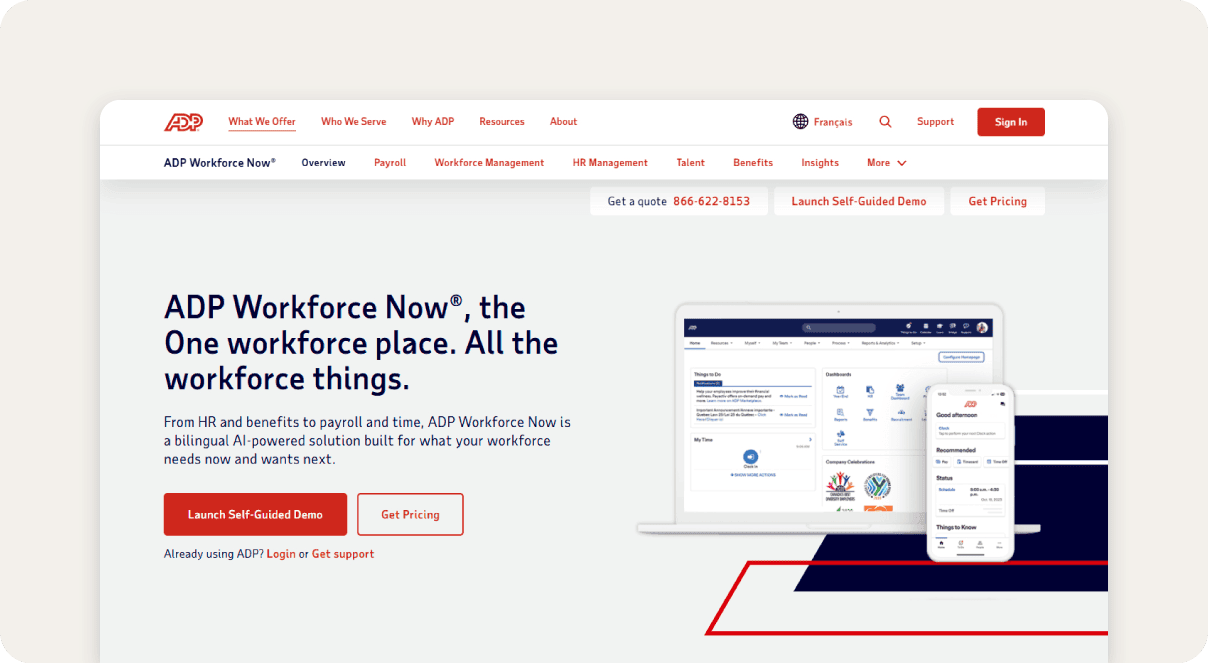
ADP Workforce Now supports workforce planning as part of its broader HR, payroll, and talent management suite, giving organizations a centralized view of headcount, labor costs, and hiring needs.
ADP DataCloud comes with preconfigured KPIs based on industry standards. This includes turnover, headcount, and labor expenses, and allows users to quickly access metrics to analyze workforce trends, pulling directly from ADP payroll and HR solutions.
Built-in reporting and dashboards make it easier to monitor labor costs and adjust staffing decisions based on current business conditions rather than static annual plans.
While ADP gets the job done, some reviewers report a steeper learning curve for new users and more limited functionality in the mobile app.G2.com – ADP DataCloud Pros & Cons
Key features:
- Integrated labor cost analytics: Customizable dashboards and real-time reports surface key workforce metrics, including employee turnover, labor costs, time and attendance trends, and payroll performance.
- Rule-based compliance and policy automation: Compliance monitoring automates regulatory updates, audit trails, and compliance reporting to track adherence to changing labor laws across multiple jurisdictions.
- Mobile-enabled scheduling and shift swapping: Integrated web, mobile, and biometric time-tracking options support flexible scheduling and absence management, enabling employees to manage shifts remotely via mobile applications.
Pricing: Custom
Features to look for in a workforce planning software
Workforce planning tools vary widely, and the difference between basic tracking and an integrated platform can affect budgeting and staffing accuracy. Before evaluating vendors, it’s important to focus on the capabilities that actually matter in day-to-day planning.
Below are some key features to look for in workforce planning tools.
- Centralized headcount planning: A single workspace for HR, finance, and hiring managers helps eliminate spreadsheet chaos, version issues, and misalignment across teams.
- Real-time budget and forecast visibility: Look for tools that update headcount and cost forecasts in real time as changes occur, so plans don’t go stale mid-cycle.
- Automated approval workflows: Built-in routing and notifications keep headcount requests moving through stakeholders without delays or lost context.
- Integrated time and labor management: Connecting scheduling, time tracking, and labor costs helps teams compare planned vs. actual spend more accurately.
- Reporting and spend analytics: Dashboards and reporting on attrition, labor spend, and forecast accuracy help teams track progress and make faster staffing decisions.
- Geofencing parameters: Location-based rules that control where employees can clock in and out, helping improve time tracking accuracy and reduce time theft in remote and hybrid setups.
- Time clock kiosks: Centralized stations for clocking in/out and logging hours, improving time tracking accuracy and ensuring reliable payroll and compliance data.
How to choose the right workforce planning software for your company
Selecting workforce planning and analytics software requires balancing where your organization stands today with where it needs to be in the next few years.
A platform that fits your current headcount and technical maturity may not support the complexity that comes with growth, while an enterprise-grade system can overwhelm a lean HR team without the resources to implement and maintain it. Here’s what you need to consider:
- Consider organization size: Workforce planning needs differ significantly by scale: smaller teams typically need straightforward headcount tracking and compensation tools, while larger organizations require multi-layered modeling, cross-functional collaboration, and the ability to plan across business units and geographies.
- Prioritize integrations: Disconnected systems lead to manual reconciliation and plans that don't reflect reality — so native connectivity with your HRIS, ERP, and payroll systems matters more than the platform's standalone feature set.
- Evaluate scalability and flexibility: As headcount grows and org structures change, planning complexity tends to increase faster than expected. A platform that can't flex with those changes will require a costly migration at the worst possible time.
- Don't ignore usability and adoption: A technically capable platform only delivers value if the people using it can actually navigate it. Steep learning curves and complex admin requirements drive low adoption, which undermines the investment regardless of how strong the feature set is.
- Align with your actual use cases: Finance teams focused on labor expense, HR teams tracking skills gaps, and ops managers planning shift coverage all have fundamentally different planning needs — choosing a platform optimized for the wrong function means working around its limitations from day one.
Simplify your workforce planning with Paylocity
The best workforce planning software transforms planning from a static annual event into a continuous, real-time strategy. This shift starts with unifying HR and finance data in one place. When compensation, headcount, and financial forecasts live in the same system, teams spend less time reconciling spreadsheets and more time acting on insights.
Paylocity's built-in workforce analytics give teams real-time visibility into labor costs and workforce trends, so headcount decisions stay grounded in accurate, up-to-date data.
Request a demo to see how integrated workforce planning can improve your headcount accuracy and budget alignment.
About the Author

Best workforce planning software FAQ
What is the difference between workforce planning and headcount planning?
Headcount planning is a subset of workforce planning focused specifically on determining how many people a business needs, when, and at what cost. Workforce planning is broader — it encompasses skills gap analysis, succession planning, labor demand forecasting, retention strategy, and long-term organizational design. In short, headcount planning answers "how many," while workforce planning also addresses "what kind, when, and why."
Can small businesses benefit from workforce planning software?
Yes, though the level of complexity they need is typically lower. For smaller teams, the primary value is in consolidating employee data, tracking turnover, and aligning compensation with budget — replacing error-prone spreadsheets with a more reliable system of record.
As the business grows, having that data foundation in place makes it significantly easier to scale planning processes without starting from scratch.
How to implement workforce planning software?
Start by mapping your current planning process — identify where data lives, who owns it, and where the biggest gaps or inefficiencies are. From there, prioritize integrations with your existing HRIS, payroll, and finance systems, and define the key metrics your team needs to track.
Most implementations benefit from a phased approach: get the core data flowing correctly before layering on more advanced features like scenario modeling or predictive analytics.
Does workforce planning software replace the need for finance teams?
No — workforce planning software supports finance teams rather than replacing them. It automates data consolidation, reduces manual reconciliation, and surfaces insights faster, but the strategic judgment behind headcount decisions, budget trade-offs, and long-range planning still requires human expertise.
The goal is to free finance and HR teams from administrative overhead so they can focus on higher-value analysis and decision-making.
Sources

Related
![The 9 Best Payroll Software for Small Businesses [2026]](https://s7d9.scene7.com/is/image/paylocity/best-payroll-software-hero?$Hero-Card$)
The 9 Best Payroll Software for Small Businesses [2026]
