
Top 8 UKG competitors for HR and payroll
Choosing a new HR platform used to mean picking software that could handle payroll and not much else. Today, that bar has moved.
Companies now expect a single system to manage payroll, benefits, scheduling, and the employee experience without constant workarounds. UKG built its whole platform around that idea.
In practice, that promise doesn't always hold up.
Companies searching for UKG competitors often point to a specific breaking point: a clunky interface, a long implementation timeline, or the sense that HR, payroll, and time tracking never quite talk to each other, even under one roof.
This guide breaks down the top UKG alternatives, who each one fits best, and the core features, use cases, and pricing structures to weigh before you switch.
Why you might be looking for a UKG competitor
UKG (Ultimate Kronos Group) formed in 2020 when Ultimate Software and Kronos merged into a single company. The result is one of the most established names in HR technology, offering two main product lines: UKG Pro serves as a full HCM suite for larger organizations, while UKG Ready targets small and mid-sized businesses with payroll, HR, and time tracking in one package.
Despite that scale, many HR and payroll teams look elsewhere. The frustrations tend to fall into a few consistent categories:
- Opaque, add-on-heavy pricing: Costs scale poorly as headcount grows, with modules and features often priced separately rather than bundled clearly upfront.Capterra.com - UKG Pro Software Pricing, Alternatives & More 2026 | Capterra
- Dated, clunky interface: The Ready and Pro product lines carry a legacy UI that feels less intuitive than newer, cloud-native competitors.SelectHub.com - UKG Pro Reviews 2026: Pricing, Features & More
- Long, complex implementation: Rollouts often stretch across months, and support quality can drop once you sign the contract.Trustpilot.com - UKG Reviews | Read Customer Service Reviews of ukg.com
- Disconnected modules: Even within a single suite, time and attendance data doesn't always sync cleanly into payroll, and similar gaps between payroll and HRIS create manual workarounds.Gratner.com - Top UKG Likes & Dislikes 2026 | Gartner Peer Insights
The best UKG alternatives of 2026
Before we go deeper into each alternative, here's a quick side-by-side look at how each one stacks up.
| Platform | Best for | Key features | Pricing |
|---|---|---|---|
| Paylocity | Unified HR, payroll, and workforce management built for HR, Finance, and IT teams |
|
Custom |
| Dayforce | Enterprise workforce management for hourly-heavy industries |
|
Custom |
| Workday HCM | Large enterprises needing HR-finance convergence |
|
Custom |
| Rippling |
Tech-forward companies needing IT and device management alongside HR |
|
Custom |
| ADP Workforce Now |
Businesses prioritizing payroll and compliance |
|
Custom |
| Paycom | Businesses wanting a single-database HCM |
|
Custom |
| BambooHR | Smaller companies wanting simple HR workflows |
|
Paid plans start at $10/employee/mo. |
| Gusto |
Small businesses wanting simple full-service payroll |
|
Paid plans start at $49/mo. + $6/mo. per employee |
1. Paylocity

Best for: HR, payroll, and workforce management in one platform
Paylocity brings HR, payroll, benefits, talent, and workforce management into a single connected platform, built to scale with organizations of any size. Where UKG often requires stitching together separate modules, Paylocity's suite runs on one shared employee data set, so an update in one area shows up everywhere else automatically.
Users consistently call out ease of use as a standout trait. They describe screens that make sense at a glance, with little to no learning curve. Reviewers also highlight how smooth the implementation feels, and many mention getting a real person on the phone in under 90 seconds when they need help.
That's a different experience than the long rolloutsSelecthub.com - UKG Pro Reviews 2026: Pricing, Features & More and inconsistent supportGetapp.com - UKG Ready 2026 Pricing, Features, Reviews & Alternatives many UKG customers describe.
Key features:
- Payroll with automated tax filing and audits: Payroll runs are automatically checked for errors before submission, and taxes file automatically across jurisdictions.
- Unified HR, benefits, and talent management suite: HR, benefits enrollment, and performance management run on the same employee record, so data stays consistent across every module.
- Employee self-service app for paystubs, PTO, and earned wage access: Employees can view pay history, request time off, and access earned wages before payday, all from one mobile app.
- Built-in workforce scheduling and time and attendance: Managers can build schedules, track time, and approve hours without a separate time-tracking tool.
- Modern community/engagement tools: Built-in social recognition and communication features help HR teams build culture.
Pricing: Custom
2. Dayforce
Best for: Enterprise workforce management for hourly-heavy industries
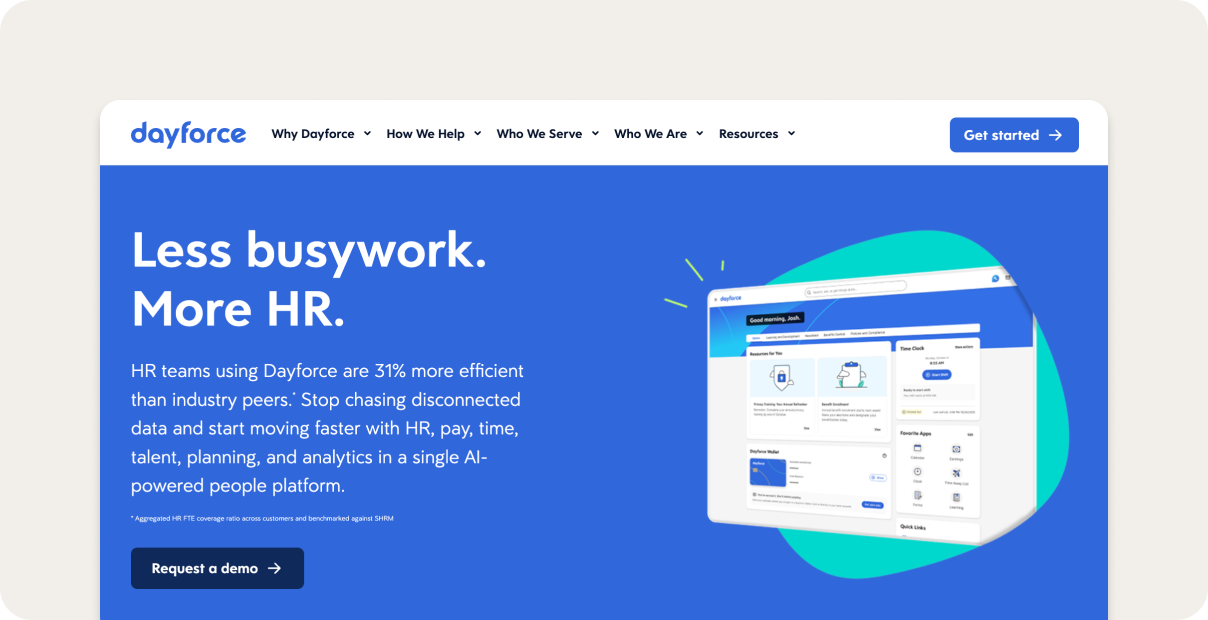
Dayforce (formerly Ceridian) is built around a continuous payroll engine. Instead of processing pay in a batch at the end of the period, it calculates pay in real time as employees clock in and out. That makes it a common choice for industries with large hourly workforces, like healthcare, retail, and manufacturing, where accurate real-time labor costs and compliance tracking matter most.
Compared to UKG, Dayforce keeps global payroll in-house through a single platform, while UKG typically routes international payroll through third-party partners.
That said, some reviewers find Dayforce harder to learn during rollout. Small configuration changes often need back-end support from Dayforce, rather than something an admin can adjust directly.G2.com - Dayforce Pros and Cons | User Likes & Dislikes
Key features:
- Continuous, real-time payroll calculation engine: Pay calculates as employees clock in and out instead of waiting for a batch run at the end of the pay period, powering on-demand pay through Dayforce Wallet.
- AI-powered predictive scheduling: Scheduling tools apply region-specific labor rules automatically and factor in labor forecasting, helping managers staff shifts while managing fair workweek requirements.
- Complex labor law compliance monitoring: Built-in compliance tools validate schedules against overtime limits, break requirements, and minimum wage rules across every location before violations happen.
Pricing: Custom
3. Workday HCM

Best for: Large enterprises needing HR-finance convergence
While UKG expanded from workforce management and time tracking, Workday started from the opposite direction. It was built as a cloud-native platform to connect HR and finance from day one. That is why large enterprises running Workday Financials often extend into Workday HCM to keep people data and financial planning on a single system of record.
For organizations without complex frontline scheduling needs, that finance-HR connection can matter more than UKG's deeper workforce management roots.
It comes at a cost, though: Reviewers frequently describe Workday as expensive and difficult to configure for custom workflows, and some note that performance can lag during peak usage periods.G2.com - Workday HCM Pros and Cons | User Lika single system, rather than pieced together through acquisitions, ases & Dislikes
Key features:
- Unified cloud-native data model: HR, payroll, and financial data share one underlying database, so a change to an employee record updates finance and planning views without middleware or manual syncing.
- People analytics and reporting: Built-in tools like Workday Prism Analytics turn workforce and financial data into dashboards leaders can use for planning, without exporting to a separate business intelligence tool.
- Workforce planning tools: Planning features let HR and finance model headcount and cost scenarios against the same live data set both teams already work from.
Pricing: CustomWorkday.com - Pricing
4. Rippling
Best for: Tech-forward companies needing IT and device management alongside HR
Rippling built its platform with tech and software companies in mind, where IT and device management matter as much as HR does.
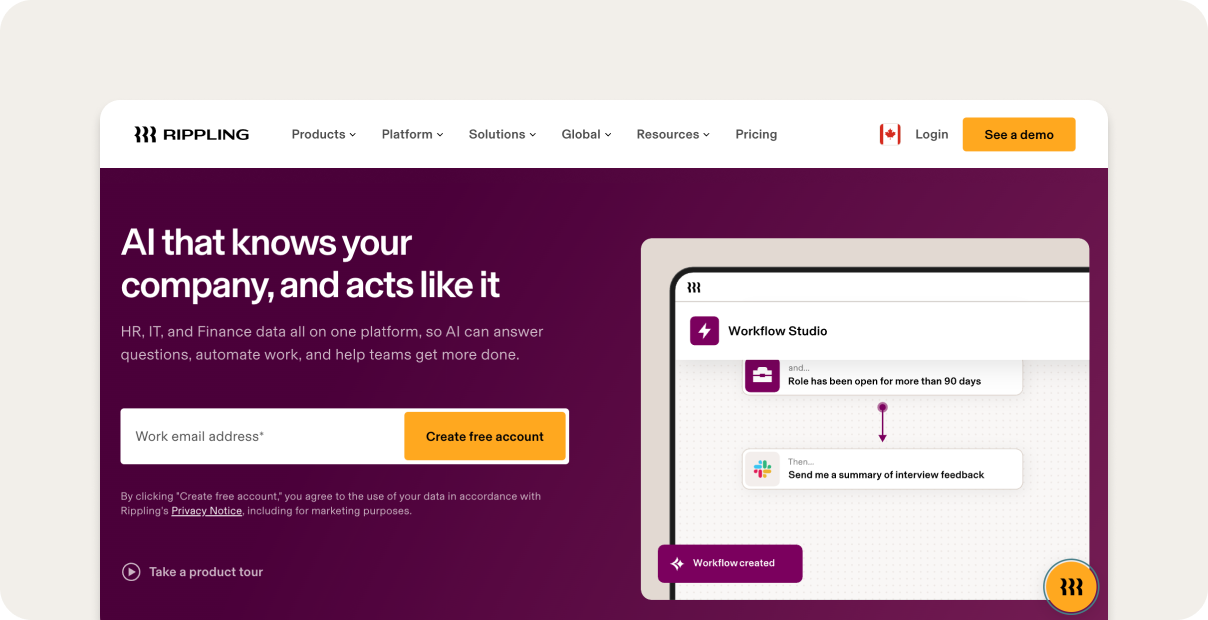
It bundles device management, app provisioning, and identity access controls into its HR platform, features that engineering and IT-heavy companies need, but that UKG doesn't offer. Onboarding a new hire can automatically trigger laptop setup, software access, and account creation, all tied to the same HR record.
Reviewers rate Rippling well ahead of UKG Pro on ease of use and mobile experience, but some note a learning curve. A few reviewers describe the initial setup as overwhelming given the myriad of features and modules available. And syncing with tools outside the Rippling ecosystem reportedly doesn't always run as smoothly as the native integrations.G2.com - Rippling Pros and Cons | User Likes & Dislikes
Key features:
- Automated IT provisioning tied to HR workflows: Adding a new hire in HR automatically sets up their laptop, software access, and accounts, cutting out manual setup work for IT.
- Payroll and HRIS: Payroll connects directly to Rippling's HRIS, time and attendance, and benefits modules, so changes like a promotion or new benefit election update pay automatically.
- Corporate spend management: Built-in expense management and corporate cards let finance teams track spend alongside payroll and HR costs in the same system.
Pricing: CustomRippling.com - Pricing
5. ADP Workforce Now
Best for: Businesses prioritizing payroll and compliance
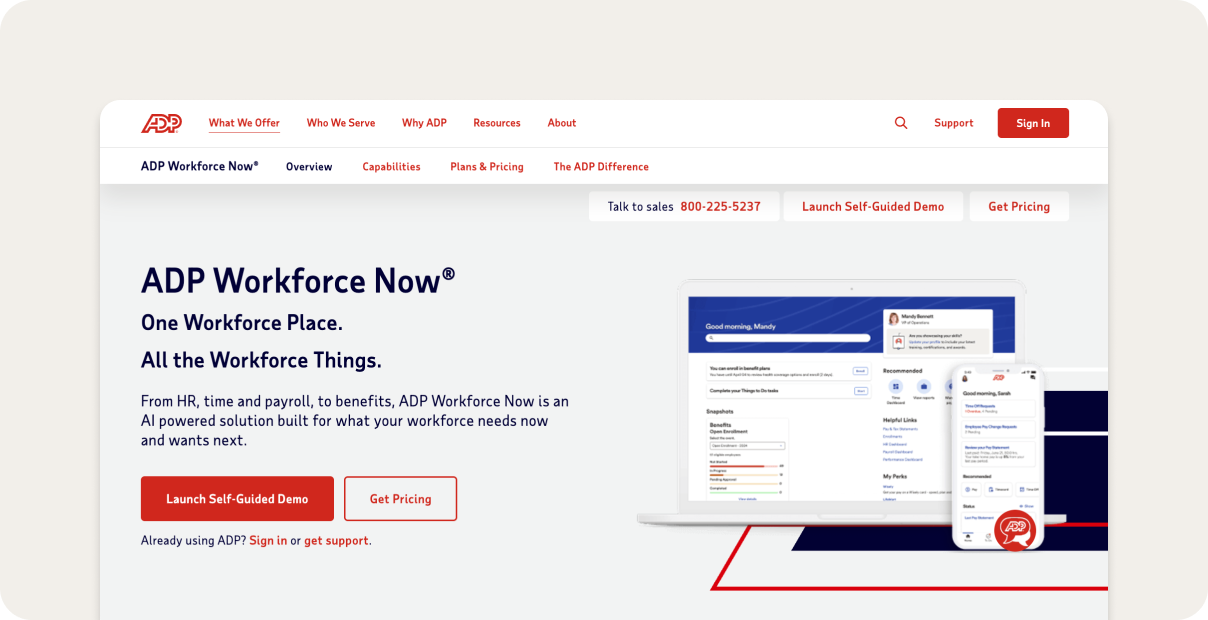
Workforce Now is payroll-first. HR, time tracking, and benefits are built in to support payroll rather than functioning as equal parts of the suite, as they do in UKG. That approach works well for teams that want compliance handled without much oversight. Taxes get filed automatically at the federal, state, and local levels, with built-in error detection along the way.
Customer support is where the experience wears thin for some users. Reviewers often cite long hold times and slow issue resolution, even though most praise the platform's ease of day-to-day use.G2.com - ADP Workforce Now Pros and Cons | User Likes & Dislikes
Key features:
- Payroll processing and tax compliance tools: Payroll and direct deposit run automatically each cycle, and tax filing happens electronically at the federal, state, and local level with built-in error alerts.
- Broad HR feature set: Core HR and time and attendance come bundled in alongside benefits enrollment, giving smaller HR teams one place to manage most day-to-day tasks.
- Established support network: ADP's decades in the payroll business mean a large support infrastructure exists, even if response times vary by reviewer experience.
Pricing: CustomADP.com - Pricing
6. Paycom

Best for: Businesses wanting a single-database HCM
Paycom runs on a single database, and every module built on top of it references that same employee record. UKG grew through years of acquisitions, spreading HR, payroll, and workforce management across multiple product lines. Paycom took the opposite path, building everything in-house on one system from the start.
The centerpiece of that database is Beti, Paycom's employee-driven payroll tool. Employees review and approve their own paychecks before they are processed, catching errors before they become bigger problems later.
All this might be a bit much for new users, however. Reviewers cite a learning curve given the large number of features and menus. And some report full implementation taking two to four months to configure.G2.com - Paycom Reviews, Pros + Cons, and Top Rated Features
Key features:
- Single unified employee database: Every module, from payroll to time tracking, pulls from the same employee record, so nothing needs to be entered twice across systems.
- Employee self-service tools: Beti lets employees preview their own paycheck, flag errors, and approve it before submission, putting accuracy checks in their hands instead of HR's.
- Payroll automation: Beti self-initiates each pay period and pulls live employee data automatically, reducing manual entry on the payroll team's end.
- Built-in analytics: IWant, Paycom's AI search tool, lets managers pull answers from employee profiles and dashboards directly instead of building custom reports.
Pricing: CustomPaycom.com - Pricing
7. BambooHR
Best for: Smaller companies wanting simple HR workflows
BambooHR builds for small and growing companies, which puts it at the opposite end of the market from UKG's larger, more enterprise-heavy customer base.
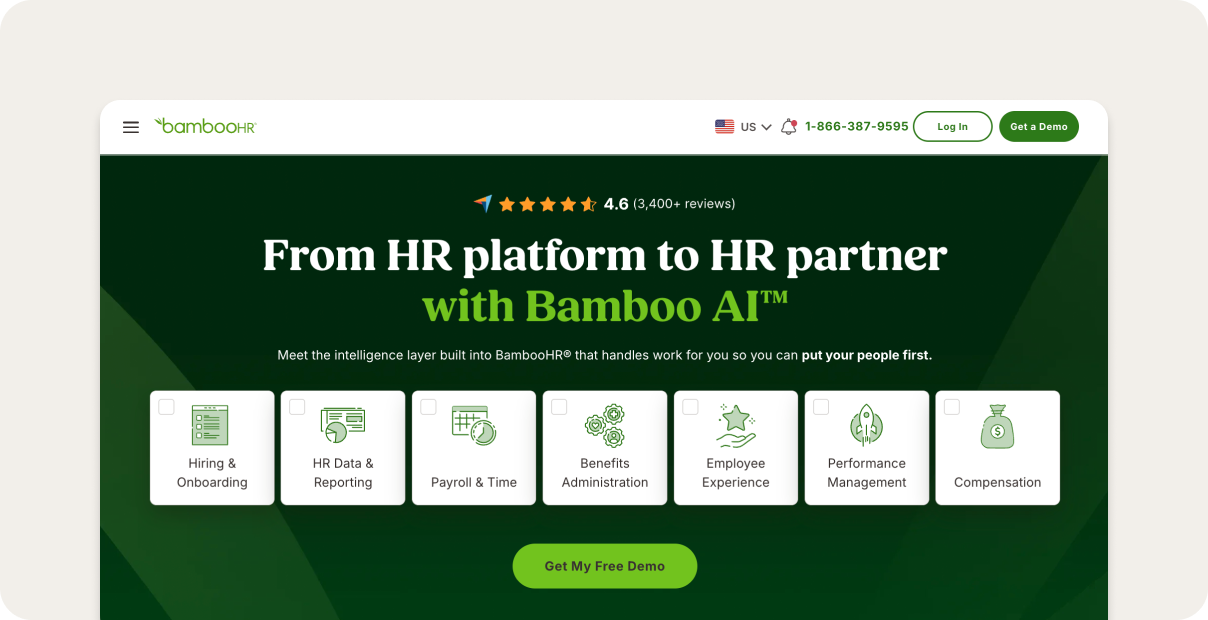
That focus comes through in the interface: the platform regularly ranks among the highest in usability ratings for HR software, which can be a real advantage for teams without a dedicated IT person to manage more complex systems.
The trade-off is reach. BambooHR's native payroll only covers US employees, so any company with international staff needs a separate payroll provider layered in.Bamboohr.com - All-In-One, Easy to Use HR Software | BambooHR UKG handles that kind of scale within its own platform, which is part of why BambooHR tends to fit smaller, domestic teams best.
Key features:
- Applicant tracking: Recruiters and hiring managers can manage candidates and post openings through the built-in ATS, with a companion mobile app for hiring on the go.
- Electronic onboarding: New-hire packets, e-signatures, and team introductions get set up ahead of day one, so paperwork isn't the first thing a new employee deals with.
- Employee directories: Staff can look up coworkers and org charts on desktop or mobile, which helps in companies that are growing fast enough that people stop recognizing every name.
- Performance management: Built-in review tools track performance alongside the same employee record used for onboarding and time off, so managers don't have to jump between systems.
Pricing: Paid plans start at $10/employee/monthBamboohr.com - Pricing
8. Gusto

Best for: Small businesses wanting simple full-service payroll
Gusto is built for small businesses running payroll for the first time. It skips the deep scheduling and labor compliance tools that UKG offers and instead focuses on getting payroll, benefits, and basic HR running fast, with unlimited payroll runs included in a flat monthly fee.
Some rough edges show up outside of payroll itself. Reviewers report support issues when tax filing errors or W-2 problems come up, and direct deposit can take up to four days on the base plan.G2.com - Gusto Reviews 2026: Details, Pricing, & Features
The bigger limitation shows up as a company grows, since Gusto's HR and compliance tools stay fairly basic. Businesses that outgrow simple payroll and benefits often find themselves needing a platform with deeper workforce management down the road, a gap UKG and Paylocity are built to cover from day one.
Key features:
- Automatic tax filing: Payroll taxes are filed automatically each cycle. And once W-2s go out in January, eligible employees can file their federal and state taxes directly through Gusto.
- Automated benefits administration: Health insurance, 401(k), and other benefit deductions sync automatically with payroll, and using Gusto as the broker adds no extra cost for health insurance administration.
- Basic time tracking: Employee hours sync automatically into payroll, with everything summarized for review before a pay run instead of requiring manual entry.
Pricing: Paid plans start at $49/month + $6/month per employeeGusto.com - Pricing
How to choose a UKG alternative based on your workflows
The right alternative depends less on brand reputation and more on which part of UKG has been slowing your team down. Some teams are drowning in manual approvals. Others are managing compliance across states or countries, and some are stuck moving data by hand between separate systems.
Below are three common starting points, along with the type of platform that tends to fit best for each one.
If your issue is manual admin work and clunky approvals
If your team spends more time chasing approvals and re-entering data than actually managing people, look for platforms built around workflow automation and self-service. Paycom's Beti tool, for example, hands payroll review directly to employees before it processes, cutting out a manual check on HR's end.
Paylocity solves the same problem, but extends that self-service model beyond payroll alone. Employees can handle HR, benefits, and scheduling tasks themselves, too, not just review a paycheck.
If your issue is multi-state or global compliance
Companies managing pay rules across states or employees across countries need a platform built to handle that complexity natively. Dayforce and Workday both fit here, with in-house global payroll engines and built-in labor law monitoring that update automatically as rules change by jurisdiction.
Paylocity covers multi-state compliance with the same automated tax filing and audits used across its payroll suite, making it a match for companies with employees spread across the U.S. even if they don't need a full global payroll build-out.
If your issue is fragmented systems and disconnected data
When HR, payroll, time tracking, and benefits live in separate systems, small errors turn into hours of reconciliation work. This is usually the strongest case for an all-in-one platform, one where every module shares the same underlying employee data rather than syncing across separate tools.
Paylocity was built around that idea from the start. HR, payroll, benefits, scheduling, and employee engagement all run on one shared record, so a change made in one place updates everywhere else automatically.
For companies leaving UKG specifically because modules never quite connected, a unified system tends to solve the root problem rather than just moving it elsewhere.
Simplify your people operations with Paylocity
For many teams outgrowing UKG, that search ends with a platform built to keep HR, payroll, and workforce management running from one shared system rather than several stitched-together tools.
If disconnected HR systems and manual approvals are why you're reading this, the fastest way to know whether Paylocity fits is to see it in action with your own use case in mind.
Request a demo to see how Paylocity's HR, payroll, and scheduling features work together in practice, not just on paper.
About the Author